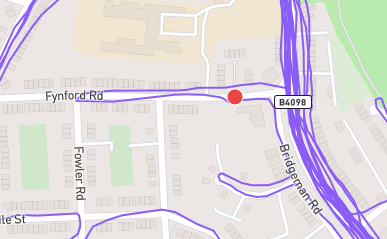
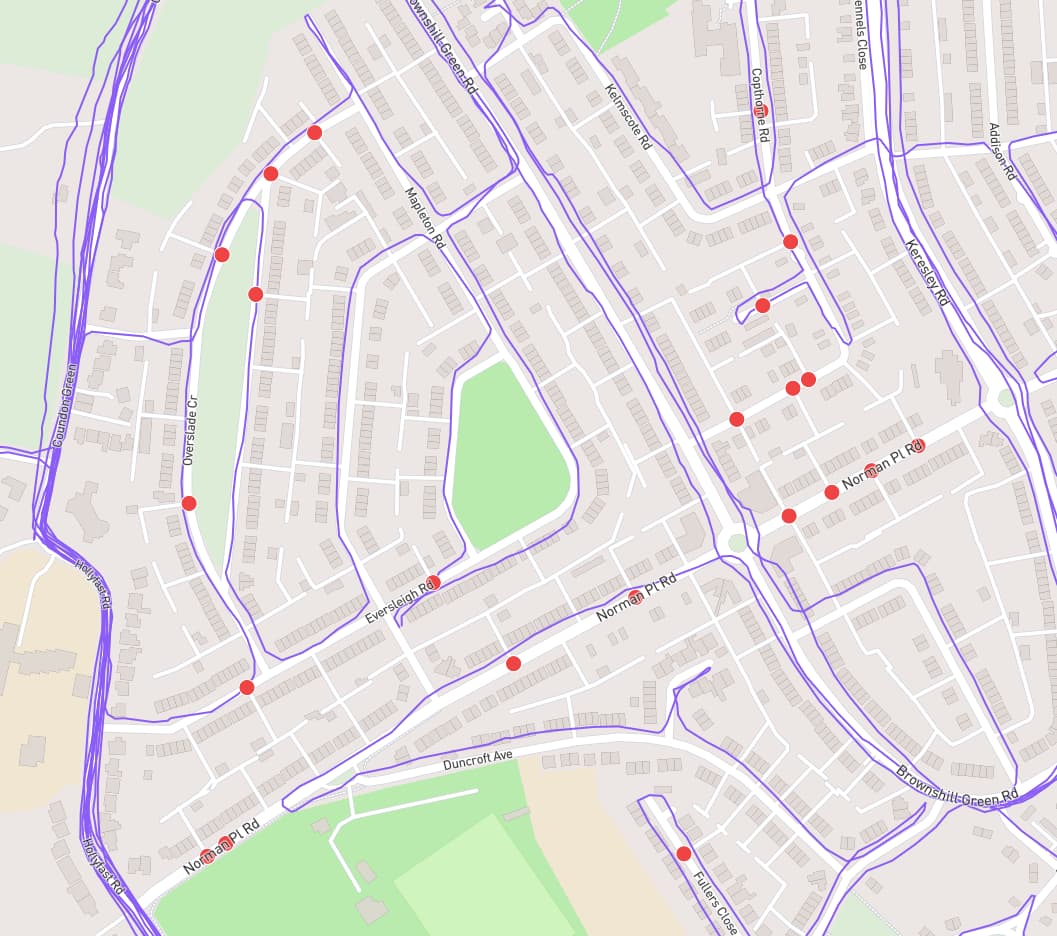
Sorry to bother you again, but the problem has returned or persisted, not sure which. I put a list of streets, and associated dates I ran them, below which have the strange node problem. Let me know if you would like the GPS data for these. It seems to affect not only me since the runner ahead of me dropped around 3% overnight and I don’t believe it is due to added streets.
Thanks again.
Adam Ferrie Place - August 6/23
Major Street - October 25/23
Otonabee Drive - January 1/24
Steckle Place - August 6/23
Valencia Avenue - August 21/23
Vernon Avenue - May 29/23
Wellington Street S. - July 14/23
I ran some code to verify the data, which got you back down to 30 incomplete streets. Let me know if that number looks right to you, because that might help me pinpoint which piece of the city update is being skipped/failing.
Hi, James. I’m enjoying CityStrides, but I’m having the same trouble in Oakland that Leland identified. A few streets that I previously completed now show as incomplete, with an intermixing of red and purple nodes. I think it just appeared after the most recent OSM update.
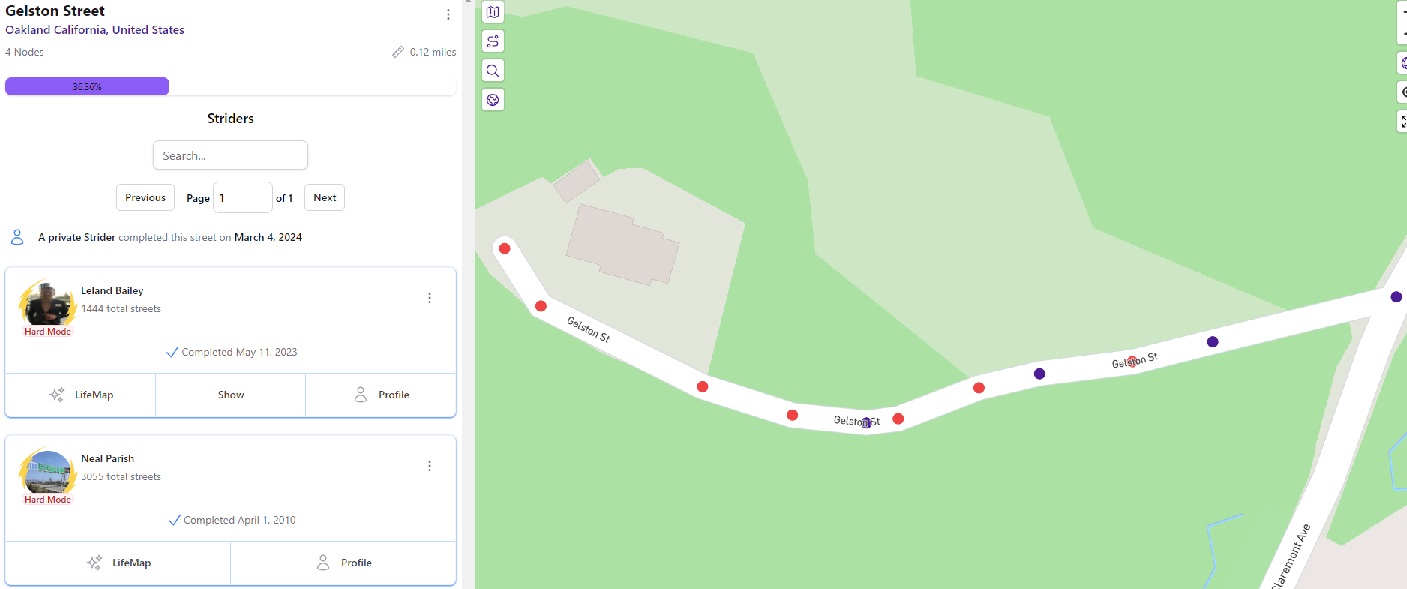
… but, bizarrely enough, if I zoom in on one of the specific streets, such as Gelston Street (Gelston Street - CityStrides), the site correctly notes that I’ve finished the street, but it still shows some red nodes.
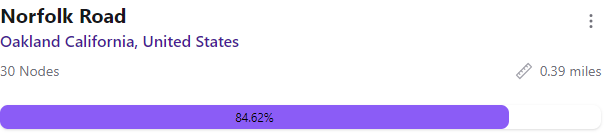
Sorry for the delay in responding – yes, the red nodes still appear, as in this sample showing Norfolk Road, which shows as a completed road but also says I’ve only completed 84.62% of the 30 nodes.
Wow-ee what an interesting observation. Assuming integral values for nodes completed and total nodes, the ratio has to be 11/13 (or a multiple thereof). Until 688/813… the next rational fraction equal to 84.62% at 2-decimal precision.
@hans1 I too count 38 nodes when zooming in, and see that OSM has it with 24 nodes. But the math suggests it has either 26 or 39 nodes, and @naparish has completed either 22 or 33 of them.
OSM database = 24 nodes
CityStrides disclousre = 30 nodes
Visual inspection = 38 nodes
CityStrides completion math = 26 or 39 nodes
Curious what could be behind the difference across these all.
Yeah, the database showed 6 nodes that were incomplete. 33/39 = 0.84615385 so it must have been marked as complete based on the incorrect count of 30 nodes None of the nodes for that street have been touched since 2023
My best guess is that some activity processing failed somehow, which paired with the incorrect Node count (30 vs 39) on the Street, resulting in the street being marked as complete while also leaving wrongly-incomplete Nodes behind.
RE: Node count
The street does have 39 nodes - I’ve corrected its count.
When nodes are created/removed, I have code that resets this stored count. Something seems to have caused that not to run somehow (looking at the code itself, I cannot see how this is possible).
The visible display/count of nodes on the map is not reliable because Streets in CityStrides are comprised of one or more Way records from OSM … This can result in duplicate Nodes e.g. a Node at the intersection/joining of two Ways for the same Street. These will appear on the map as one Node.
This is largely a non-issue due to the fact that if you complete one of these duplicate Nodes, both will be marked as complete.
I am having a similar problem, rather than start a new thread I am adding it here, hope that is ok.
I haven’t used Citystrides for quite a while and now I am back, my % has decreased, many new roads in the city have been built which will obviously decrease the % but I have noticed new red nodes have appeared on roads that I have run before and they are no longer marked as done.
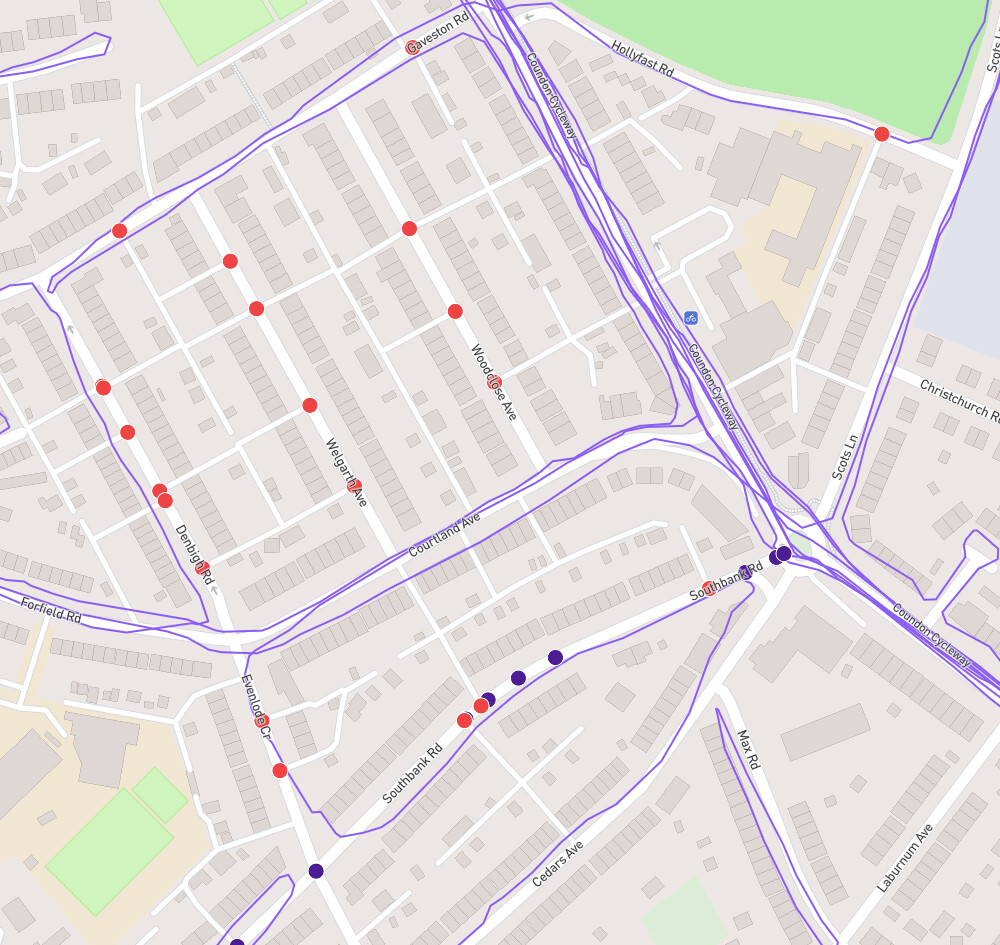
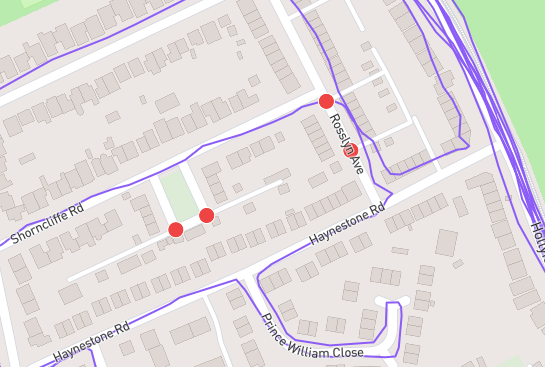
It looks like someone has updated openstreetmap and added in all the back alleys and entry ways in sections of Coventry. This has added nodes where there previously was none.
In this screenshot below you can see some new nodes on roads I haven’t run up and down yet, quite rightly, this is something I have been noting down and know I need to fix all the roads that I have only run the ends of and not the middle.
However Southbank Road has blue and red nodes on it, and while the gps is not perfect, I don’t think it’s too far off.
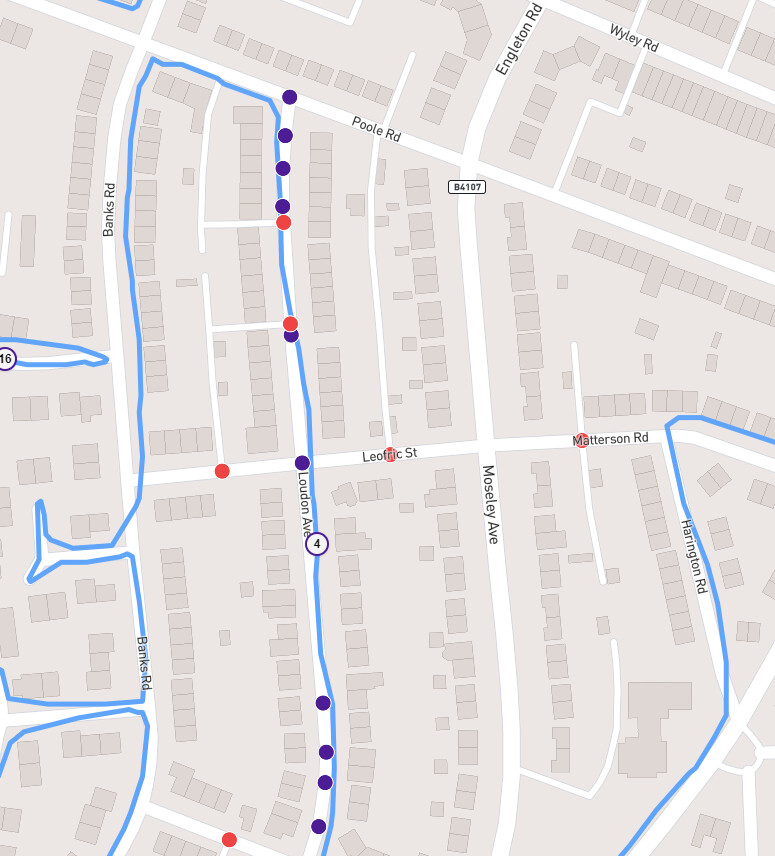
Same activity, different roads,
Quite rightly Leofric is now not complete as I have not run it and it was “hidden” in my completed list in the past due to a lack of nodes.
but Loudon should be completed as I run right through the nodes.
Yeah, I just reprocessed it & the completed street count increased.
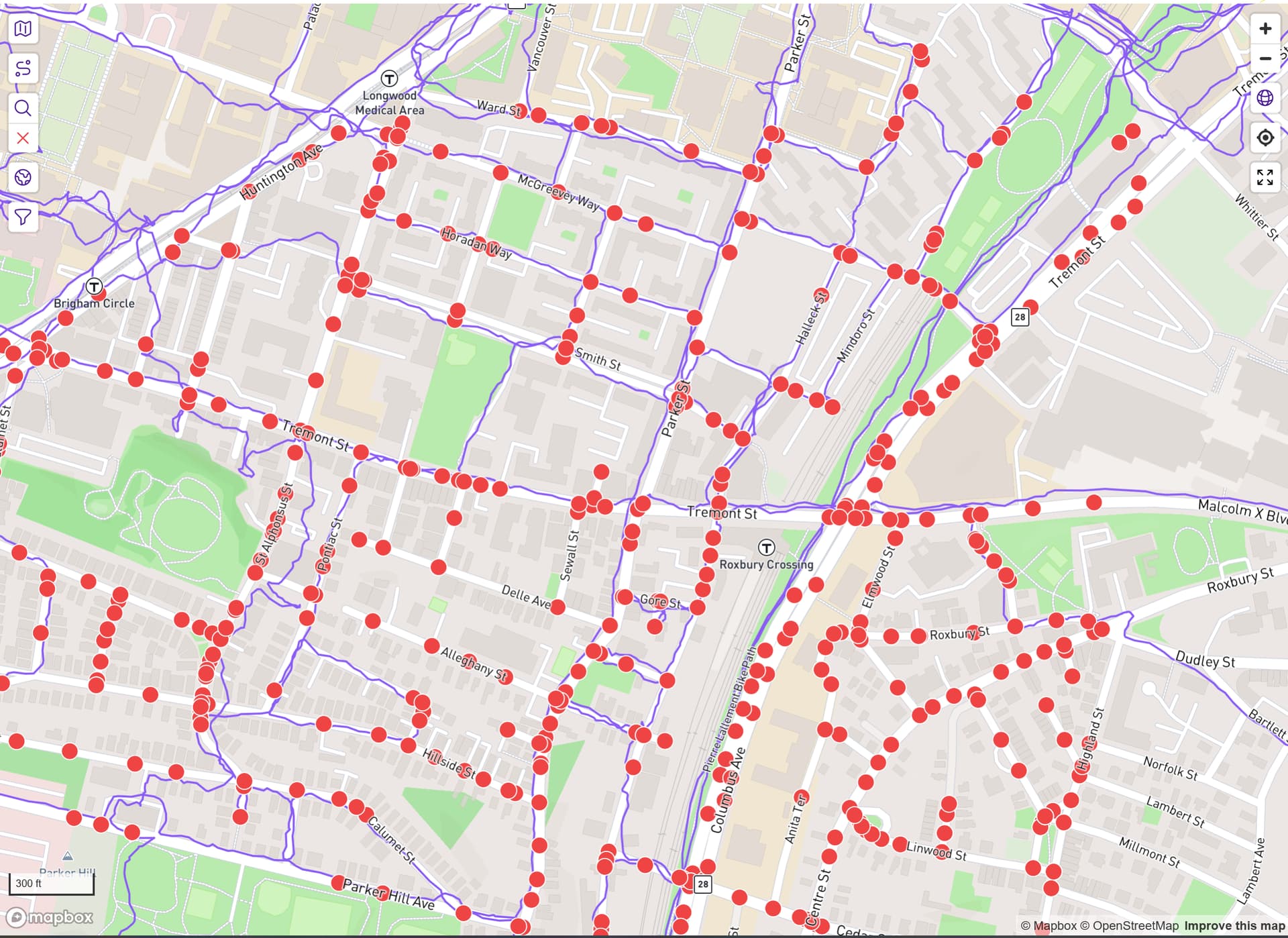
I had to go searching since there wasn’t much info here, but it does look like it’s caused by the recent (late yesterday) addition of Boston suburbs. I forgot about how much it can cause the whole system to lag when I add many cities like that.
This will eventually clear up on its own.
Thanks for sorting that particular area, it is happening in a number of different places, should these all reprocess with time?
Or does it need a manual push across multiple activities?
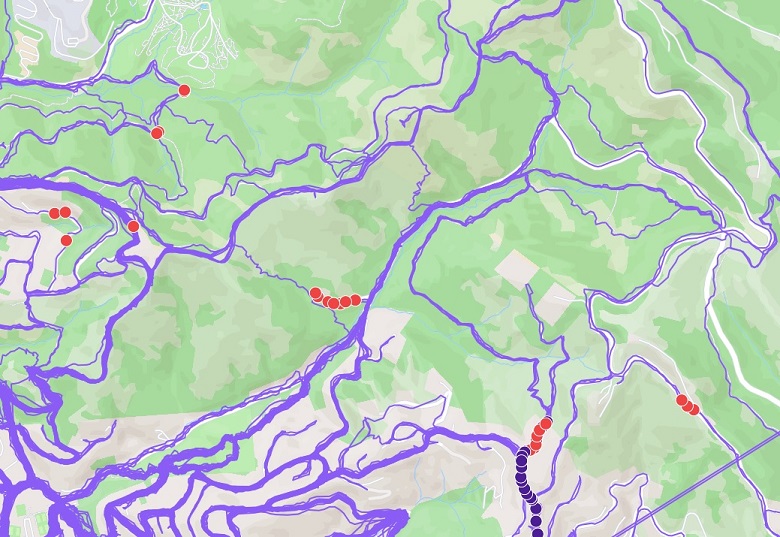
These were found by scrolling around and pressing the node hunter button,
I am sure there are probably more, but I am not sure of systematic way to find them quickly.
If this issue will resolve itself then I am happy to wait as long as required, but if it requires manual processing or any further investigation, I figured it was worth letting you know.
I think Timothy’s issue was in Boston, I am running Coventry in the UK, so I would think unrelated to a recent Boston update, apologies for any confusion.
No change as of today and it has been like this for well over a week, but we shall see.
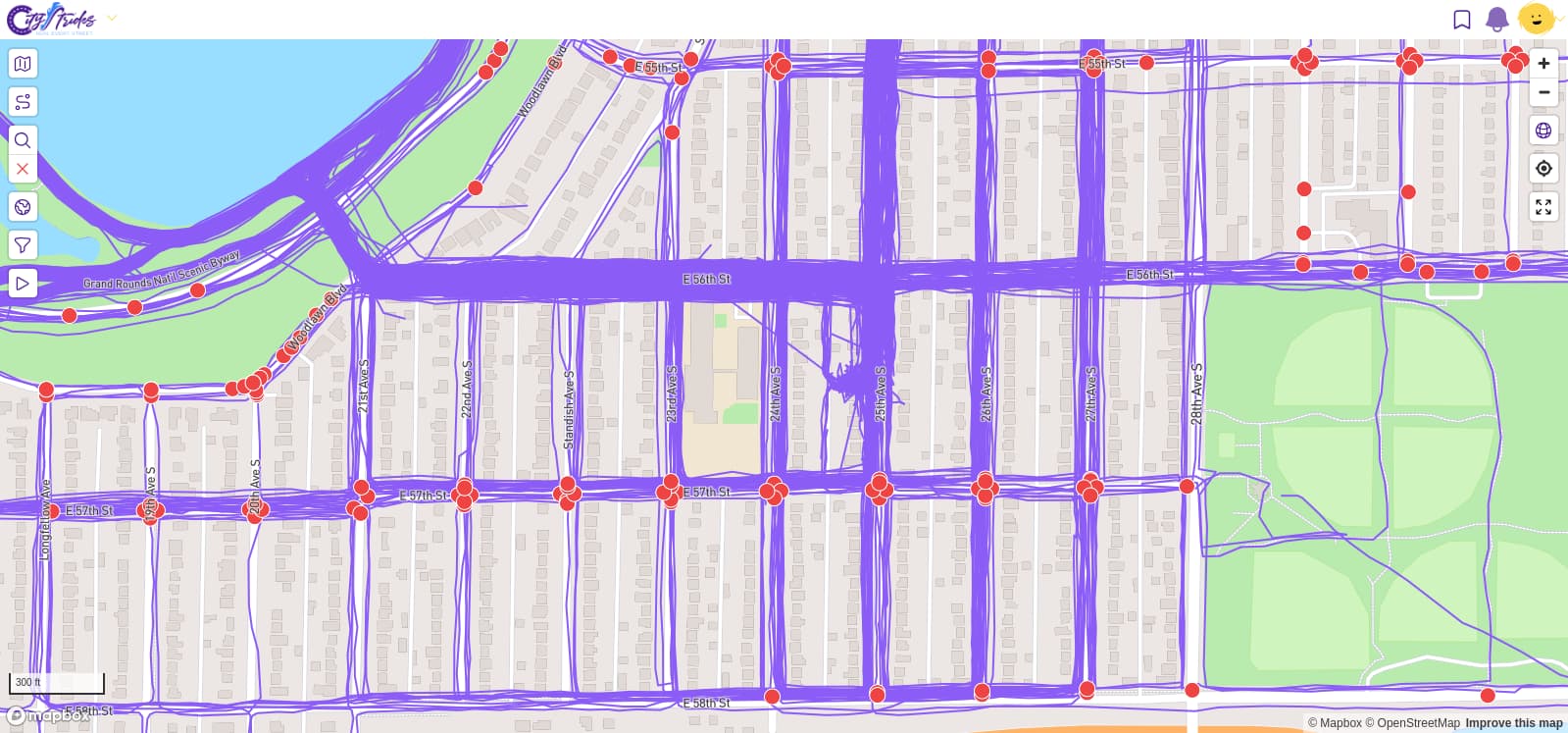
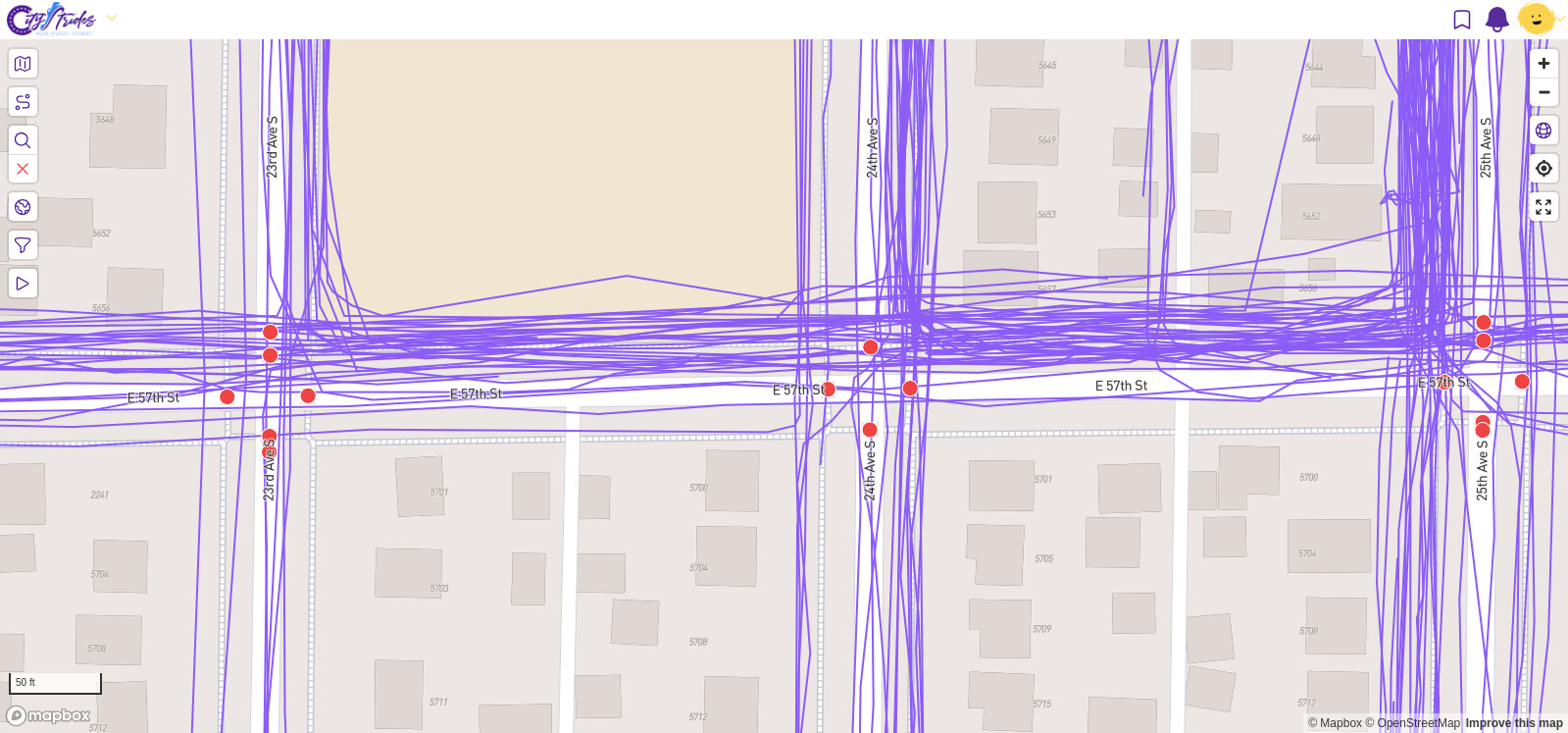
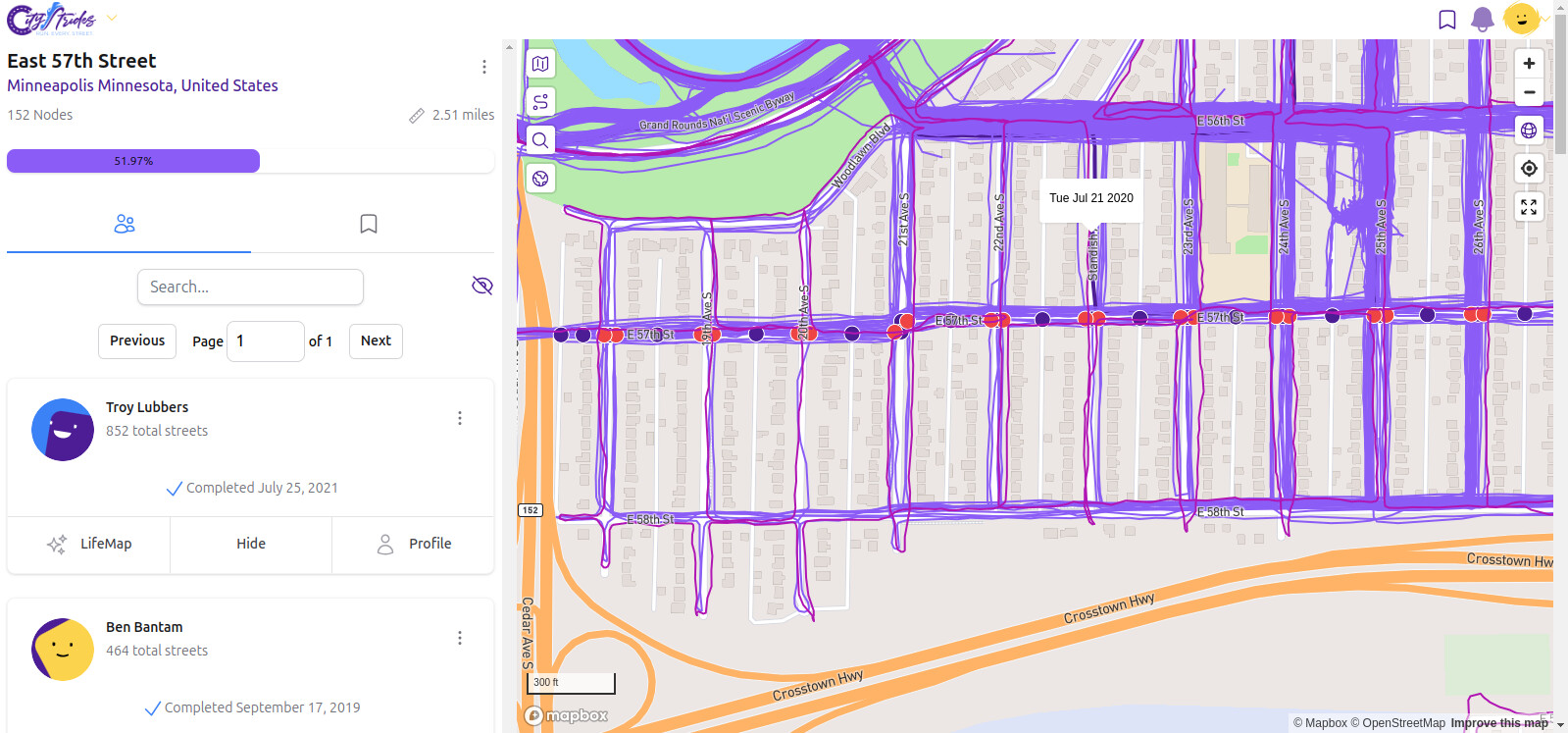
Hi all, first time posting here as I’m finally getting back into running. I seem to be having a similar issue with previously-completed streets having red nodes show up after OSM updates. I’m running in Minneapolis, MN, USA, and an OSM editor recently added sidewalks to my neighborhood, causing many new red nodes on roads I have run dozens of times.
Is this something that will be fixed as data gets re-procesed with time? I also enabled Hard Mode yesterday, but I had noticed this issue before enabling hard mode. Thanks for any advice you can give, sincerely appreciate it!
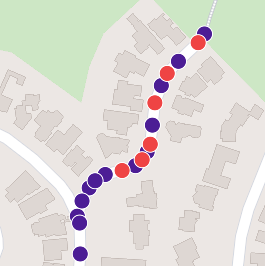
 33/39 = 0.84615385 so it must have been marked as complete based on the incorrect count of 30 nodes