I have a handful of streets that I have traversed, but the nodes are still Red. I am attaching a map, that was run 12/20/2020. How can I get this noted that the node is complete or do I have to do these roads again?
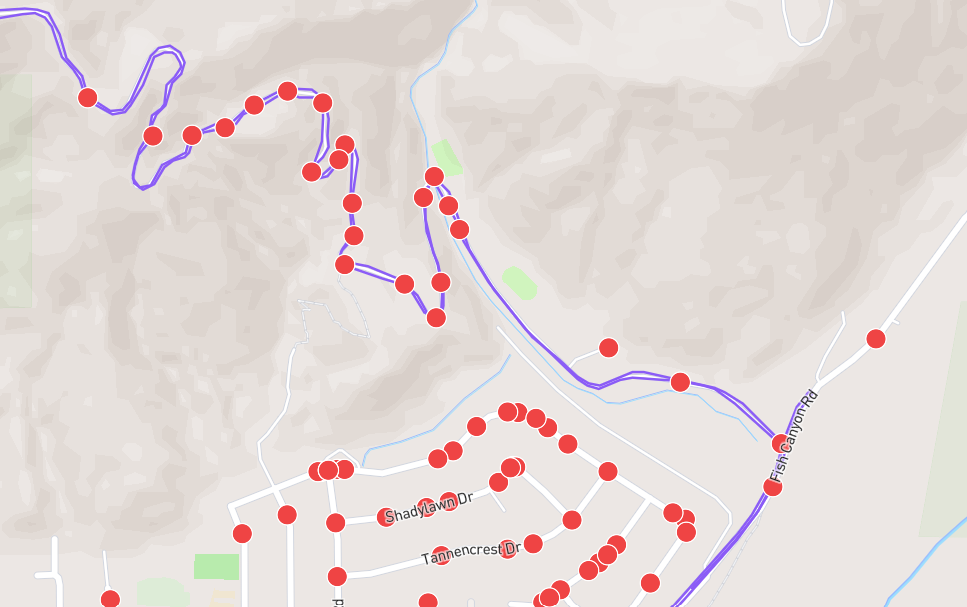
I found yesterday that you can click on manually complete street. I had one node that was red and did this.
The most common cause is an issue during a city sync that causes lingering unprocessed data.
We never* have to re-run anything. Once your activity data is present in CityStrides, things can be processed/reprocessed to ensure all stats are correct.
In order to help with reprocessing data (and with almost any issues in CityStrides), I need links…
- Profile link, so I can know who you are
- Street link, so I can know what the screenshot is pointing out
- Activity link, so I can know which activity did the work
- City link, while not really required (I can get there from the street page) it does help me jump directly there if I know that’s where my efforts need to go
Also, while I’d definitely prefer this approach of people letting me know the issue exists - it allows me to systematically resolve the issue for anyone who might have the same trouble in the same city - Tracy is right that you can mark them as manually complete.
Also, you can mark it as manually complete … wait a bit … then unmark it as manually complete. This will kick off some code that will reprocess data around there, which should result in that street being correctly marked as complete & associated with the right activity.
Again, this is a great way to quickly fix one issue, but it doesn’t give me the opportunity to resolve the problem.  Kinda depends on who you are in that moment and what you need in life
* If you went for a run, and the GPS data was wonky which caused the tracked route to miss nodes, that’s not something that any amount of reprocessing is going to fix - you’ll likely have to rerun that area (that’s not something that I’m seeing here in this thread though)
James,
This should be the information that you need. I don’t want to Manually change the streets. Hopefully this works and I have a bunch of other streets also but starting with this one.
-
Profile link, so I can know who you are
-
Street link, so I can know what the screenshot is pointing out
-
Activity link, so I can know which activity did the work
-
Charles Eberhart’s activity on December 20, 2020 - CityStrides
-
City link, while not really required (I can get there from the street page) it does help me jump directly there if I know that’s where my efforts need to go
-
Van Tassel Motorway: Duarte, Monrovia Van Tassel Motorway - CityStrides
Same thing happened to me. Nodes that were completed before are now showing up red. It’s too many of them to manually complete  . Did something happen to my activities? Hope this other case helps you find the issue @JamesChevalier
Profile: https://citystrides.com/users/56041
Street: Porter Street - CityStrides
Activity: 78641304 (didn’t let me post more than 2 links)
This was a weird one because Van Tassel Motorway passes through three cities. The link you shared is marked as complete in your activity (as is the section in Monrovia), it’s Van Tassel Motorway - CityStrides in Azusa, California - CityStrides that’s incomplete.
I just queued up everything in Azusa for reprocessing. You mentioned having more streets - which cities are those in?
I think that the other streets in question were in Azusa, CA, and it appears that the refreshing/re-running of the data solved this issue. Thank you.
I have quite a few completed streets with red dots on them, let’s see if looking at this one helps.
Profile: https://citystrides.com/users/50996
Street link: Chester Close - CityStrides
Activity link: Matthew Rees's activity on October 19, 2024 - CityStrides
City link: Matthew Rees is running City of Westminster, England - CityStrides
In this case the street, Chester Street, is also elsewhere in Greater London and whether I see red dots or not in the Westminster section depends on how I look at it, I see one red dot there when looking at Westminster city but when I go to Chester Street in the Westminster completed streets list (it is completed despite the red dot) all four of the nodes are purple.
Hi James,
I seem to be experiencing the same issue described by others in this thread.
I have several streets that I have clearly traversed, but some of the nodes remain red in Node Hunter, I believe since a map update a couple of days ago. It has mostly to do with one city where I went from 99% tot 90%.
Profile: https://citystrides.com/users/56940
City link: CityStrides
One example of to many to manually change: streets/4074347
Which I finished on May the fourth 2024 actvity: 58815208
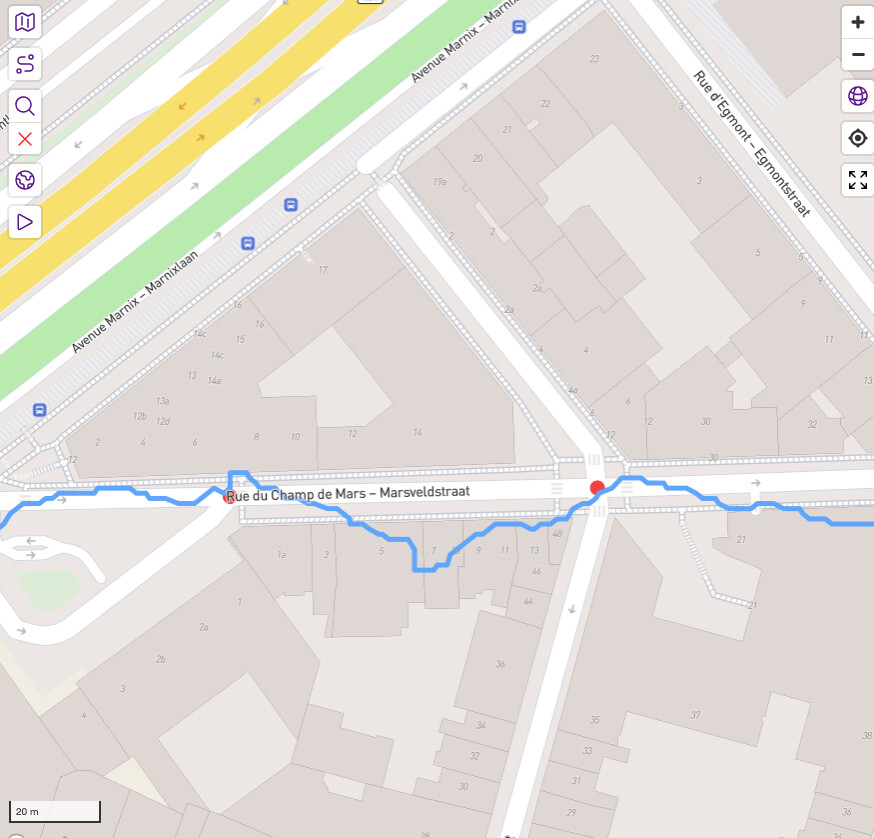
Did something happen to the activities?
Thanks for all the work on CityStrides!
Max
I wonder if this is why I have about 200 less completed streets than I thought I did the other day. I can’t obviously work out why though. I did a queue synch of most of the cities I have completed and/or are working on over the last week and noticed these were queued up for days and some still are. Perhaps I should start noting my daily count for these comparisons.
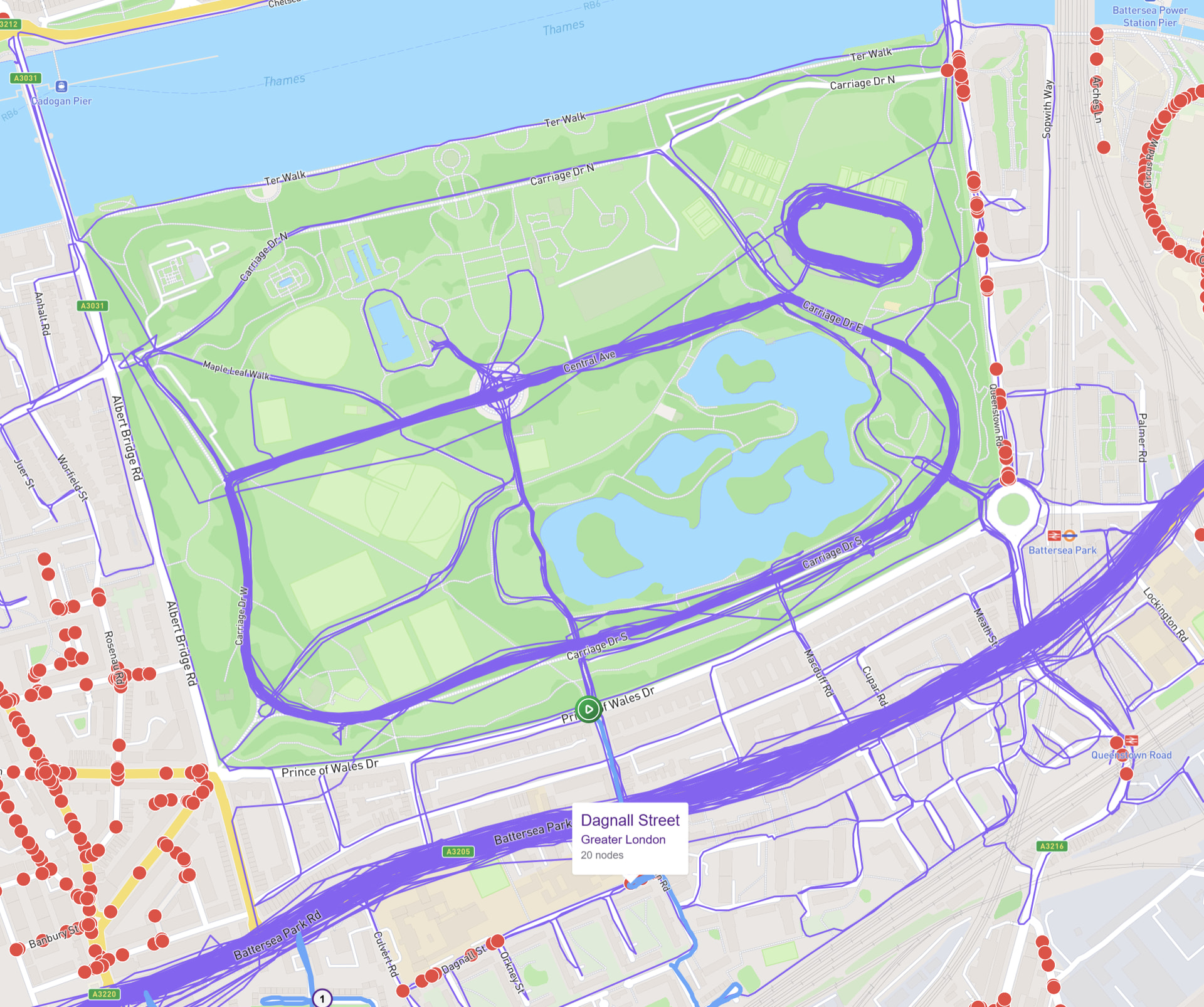
Ah found some issues. Could be the London nested boroughs issue. The ones have done that showing as red dots don’t seem to have a London borough which ought to be Wandsworth e.g. Dagnall Street - CityStrides , Carriage Drive North - CityStrides Queenstown Road - CityStrides
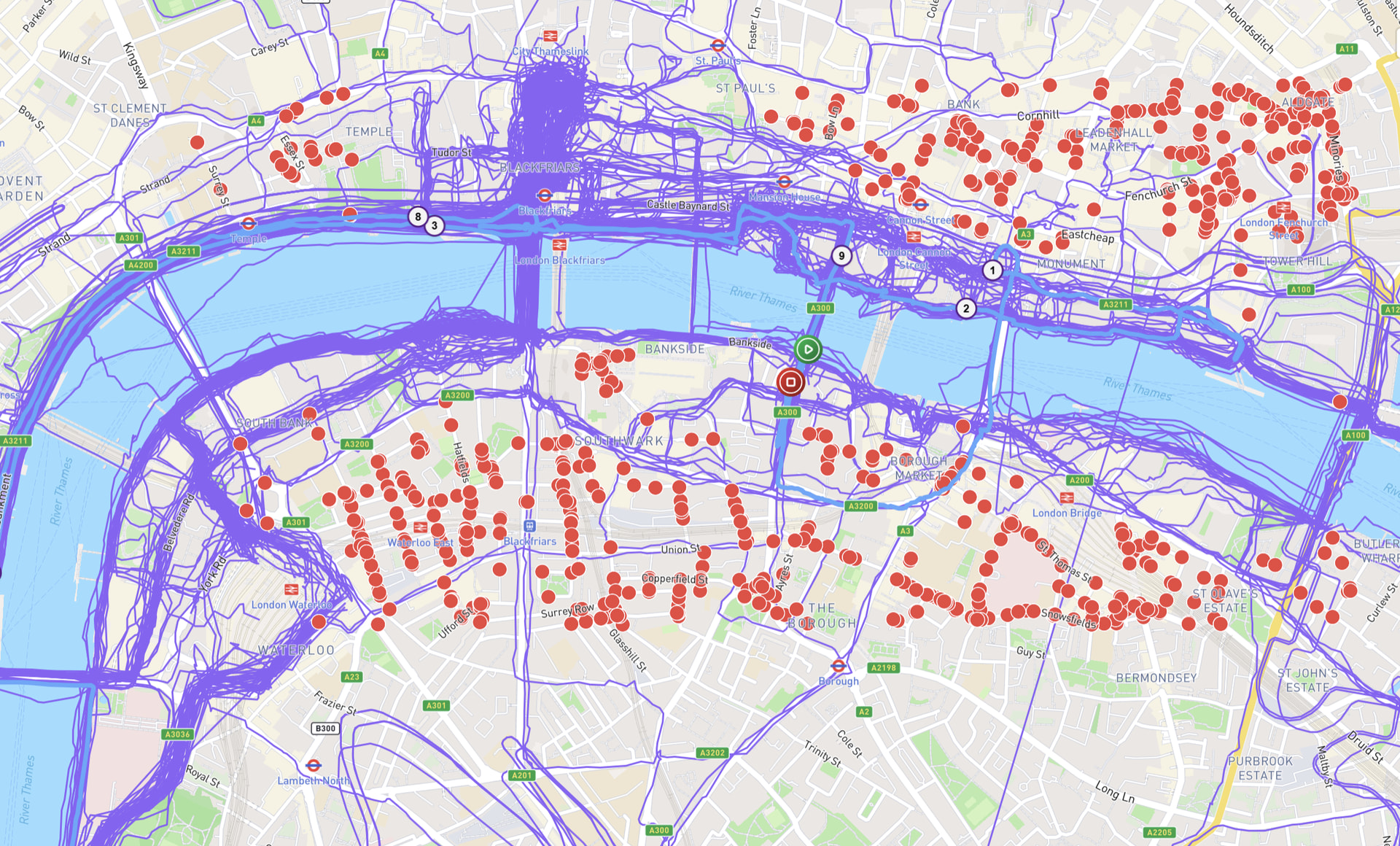
I have one - I needed to edit it in RunKeeper and re-synced, but nodes did not get processed.
- Profile: https://citystrides.com/users/6887
- Activity: Hilary Caws-Elwitt's activity on June 12, 2026 - CityStrides
- Affected streets: Buffalo Horn Circle - CityStrides , Wickwine Lane - CityStrides
- City: Town of Henrietta, New York - CityStrides
Not sure it’s relevant, but the activity shows 0 roads progressed and 0 completed. Thanks as always, Jim - and let me know if there’s any other info I can provide!
Dagnall Street is OK on my map but then I only walked it a week or so ago!
[Tried to upload the map but it sat on 0% forever so I gave up, you can see it at Matthew Rees is running London Borough of Wandsworth, England - CityStrides]
Dagnall Street was marked as incomplete during the city sync.
Stats can go wonky during the sync. 
James, this city didn’t seem to sync either. Baker, CA
- Profile link, so I can know who you are
- Charles Eberhart - CityStrides
- Street link, so I can know what the screenshot is pointing out
- Activity link, so I can know which activity did the work
- Charles Eberhart’s activity on July 21, 2024 - CityStrides
- City link, while not really required (I can get there from the street page) it does help me jump directly there if I know that’s where my efforts need to go
- Baker, California - CityStrides Baker Blvd, Mill Rd
Hi James,
I’m seeing the same issue since yesterday afternoon for streets in Cape Town, South Africa.
I have many missing, but just one example:
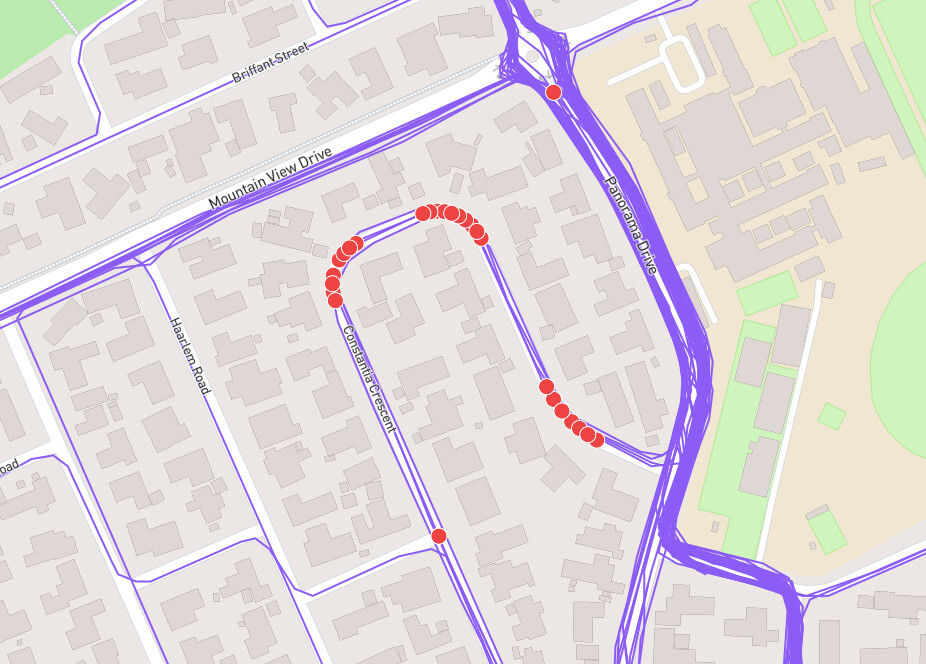
Profile link - Thian de Beer - CityStrides
Activity link - As you can see with this screenshot, I’ve run this street at least 3 or 4 times, so I’m not sure which activity link I should provide. This is the earliest date: Thian de Beer's activity on January 14, 2026 - CityStrides
I have a number of activities with nodes that were previously marked as completed but not anymore, but unfortunately cannot post more links.
Your assistance is greatly appreciated!
Thian
I think this can happen when a city is syncing, which seems to be the case for Cape Town right now.
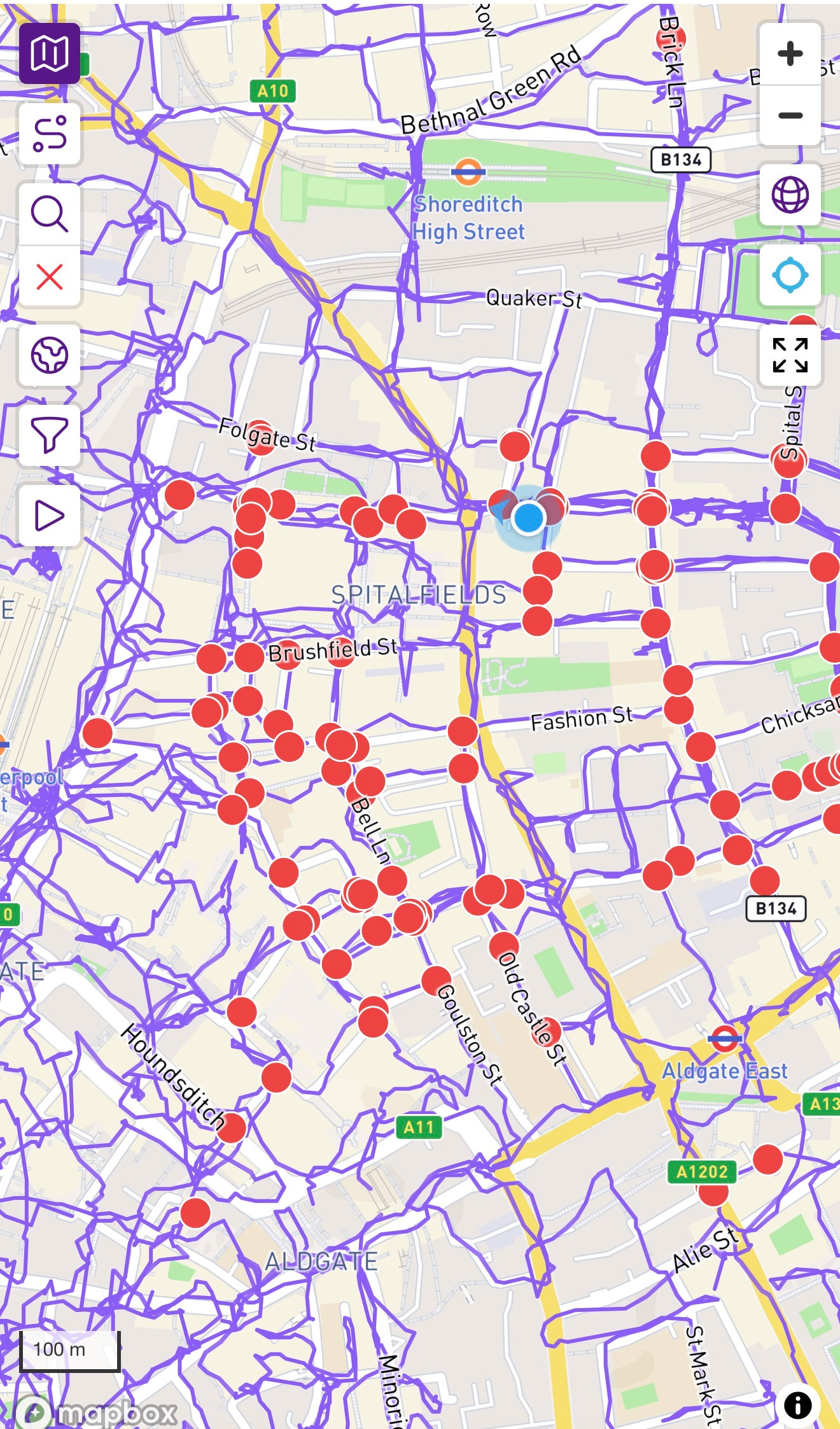
Hi James, I also have this problem - it seems to be across all of Greater London, and has been like this for several weeks.
could you take a look into this when you have a moment.
This is just one example
I can only put 2 links in a post (says this is a restriction for new users…..but I’ve been on CityStrides for a couple of years now)
Thanks, Karen
Hi James,
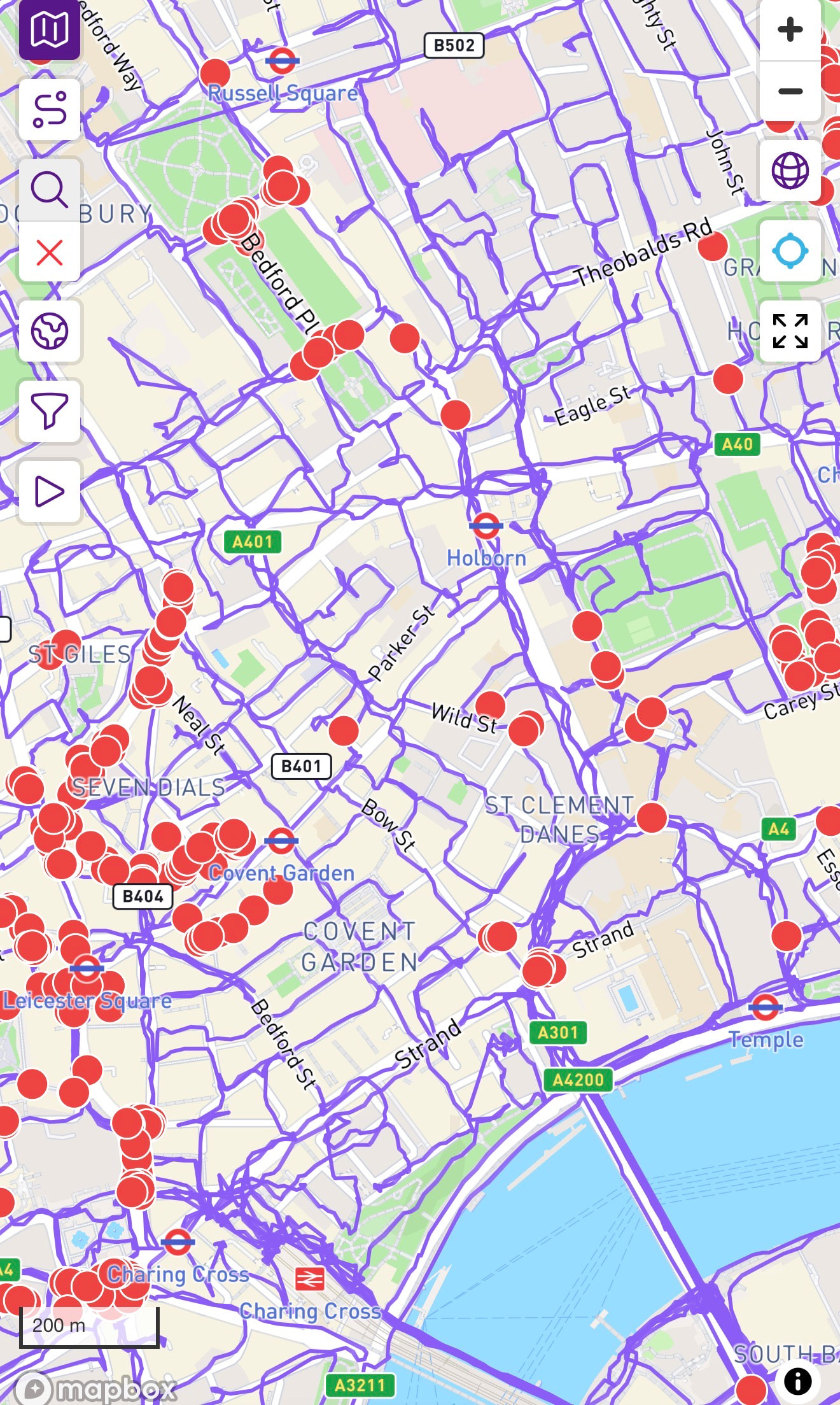
I noticed quite a bit drop in my streets/ranking recently (and while at first I did put it down to me being a bit lazy recently…) I checked on here and I realised I have the same issue - across greater London (where the majority of my streets are).
I have put my profile below, but there are so many individual streets/activities that it would be a pain to post them all. Is there an easy fix to this ?
Thanks for all the help
(PS you are awesome!)
Profile link: