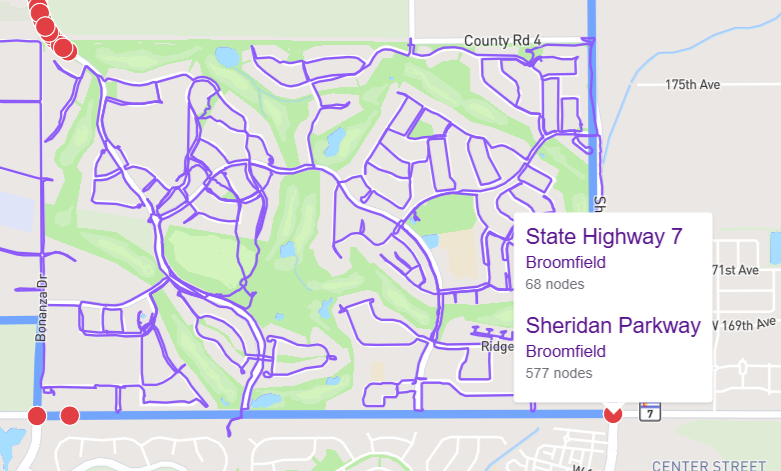
And I’m noticing a few red nodes that "belong” to a different city, are showing up on the Erie map.
These red nodes (found with Node Hunter) are at the bottom of the attached picture. This is the south east corner of Erie. All red nodes on State Highway 7 belong to Broomfield.
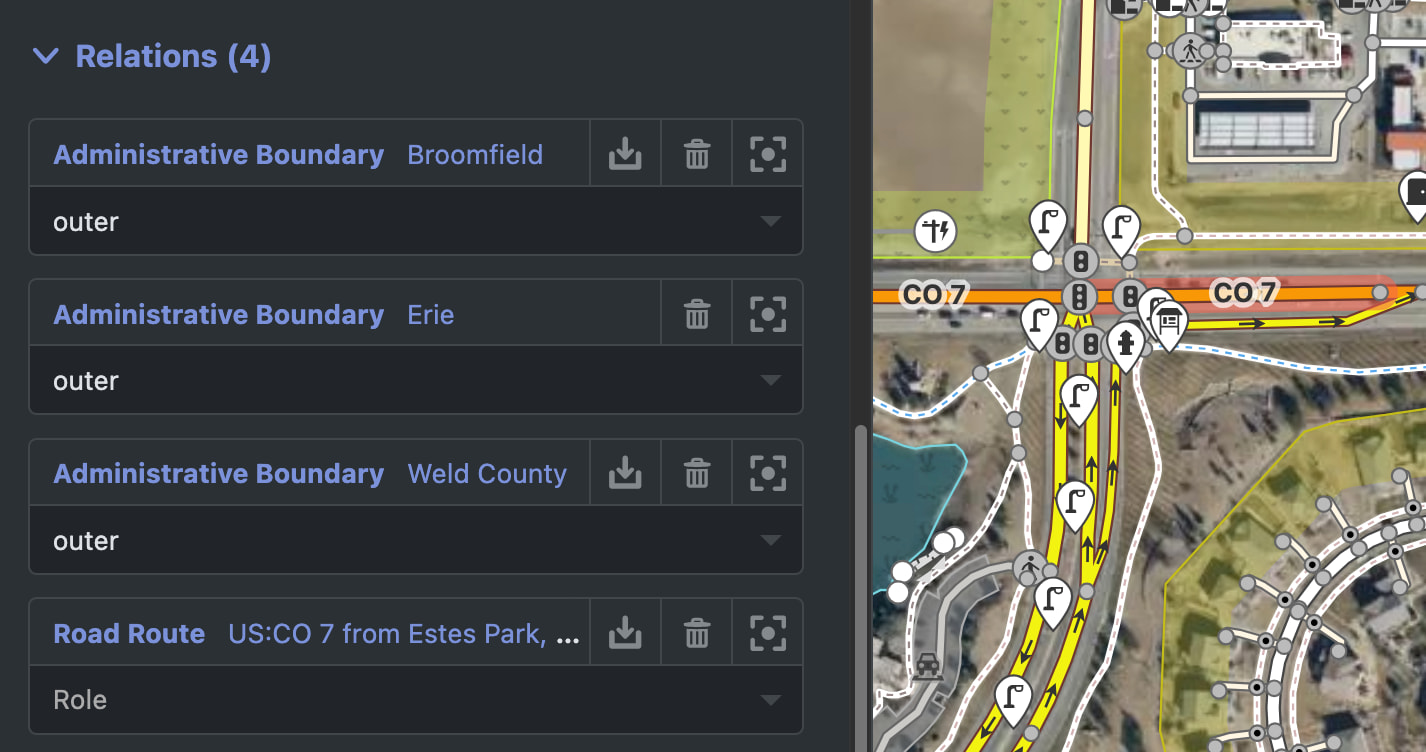
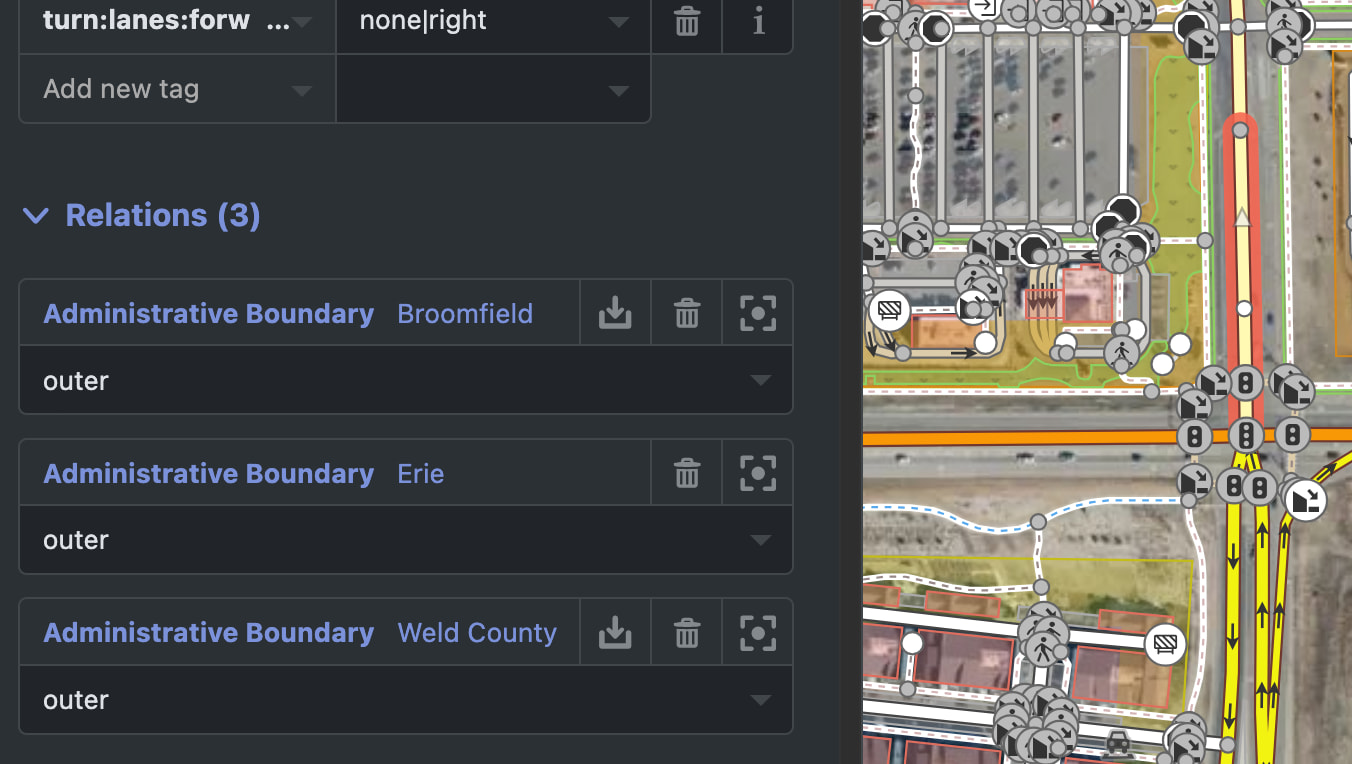
To me it appears to show that the CO 7 road is in fact the boundary between the two cities, and not entirely within Broomfield. The same goes for the road on the Eastern edge also:
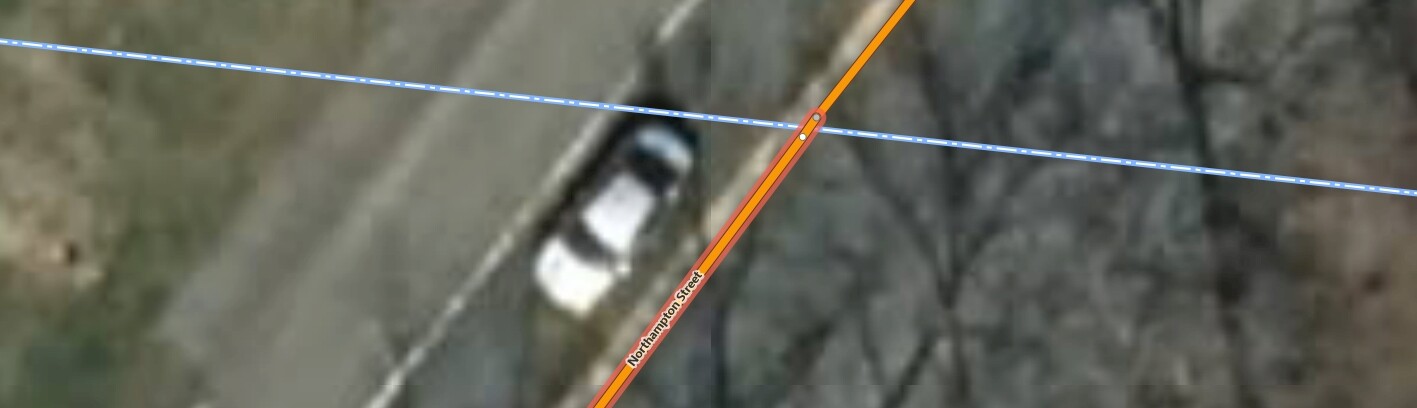
Yeah, this kind of follows along from the recent single-node-street debacle … Streets are incorrectly excluded if they are in the neighboring city and have only one node that’s exactly on the border. There are many cases where nodes look like they’re on the border, but they’re really not when you zoom in far enough.
The fix, in the instances I’ve seen, is a simple very minor adjustment that just barely moves a node until it attaches to the city border.
I usually do some quick research as to whether the questionable road actually exists in either city - some generic address searching usually highlights that e.g. “Sheridan Parkway Erie” probably won’t produce good results or will display corrective results like “Sheridan Parkway Broomfield”
At the end of the day, I don’t see anything to fix or change on CityStrides. If a node is on a boundary, that’s not CS’s problem. Just run the nodes, or hope someone with accurate surveying data fixes the boundaries.
Oh, no, the issue isn’t that the node is on the border - it’s that the node should be on the border, but isn’t. (I haven’t looked at this specific instance, so maybe there’s something else going on)
I don’t think I kept the screenshots of the instances I found
In this example - that extra node up top should be on the border … the fact that it’s on the other side causes it (and its short section of Way linestring info) to be associated with the city on that side of the border. I’m guessing that’s what’s happening here in Erie, but again I haven’t looked very closely so maybe it’s something else.
 My profile link :