I selected Seattle and then used nodefinder to see missing nodes on the south of the city. A node showed up at the very southern border. When I clicked on it, said Myrtle Way - White Center. (I.e. not a node in Seattle.) City Strides shows Myrtle Way in Seattle 100% completed. It is just this one point that seems to show up from another city.
I trird to take a look, but can’t even find a Myrtle Way in either Seattle or White Center?
Uggh. This is what I get for posting too late at night. The street is “Myers Way”. It is at the southern border of Seattle cloae to 509 freeway.
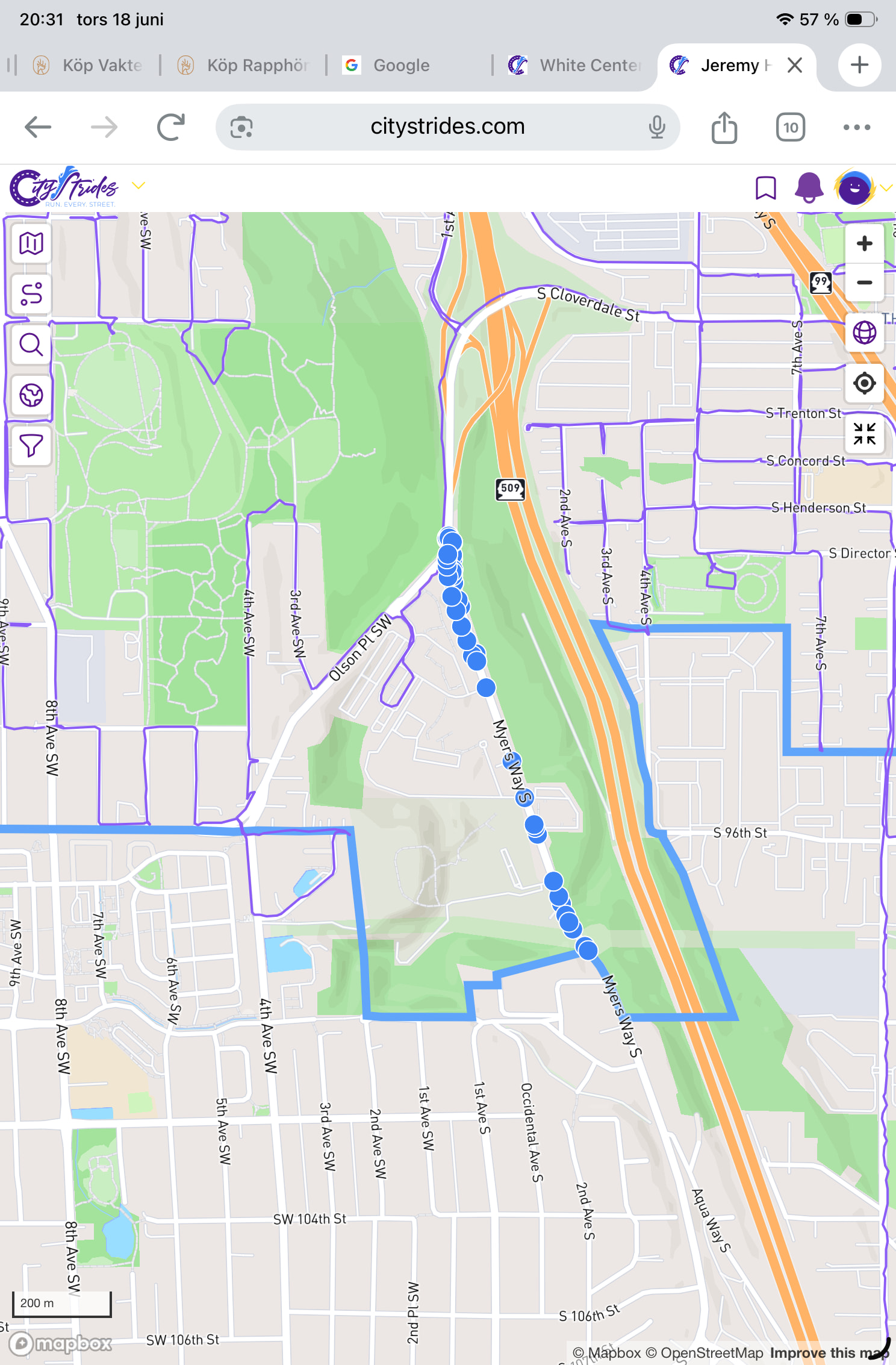
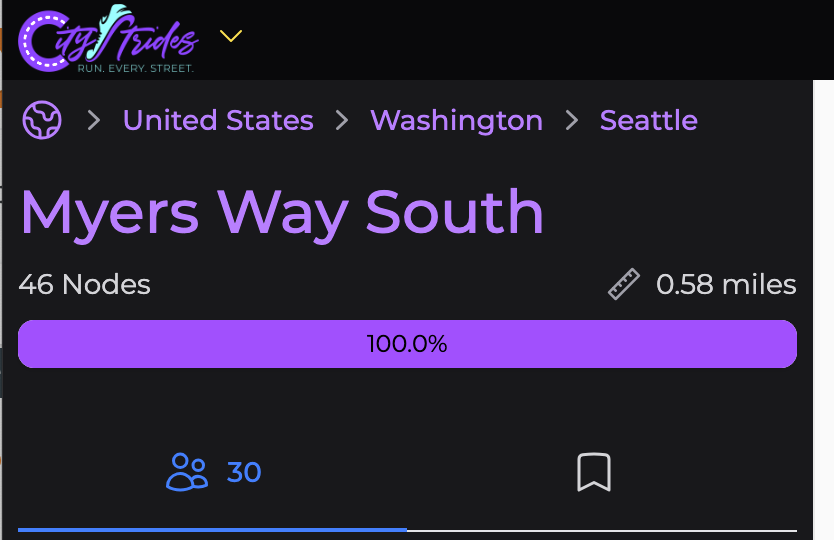
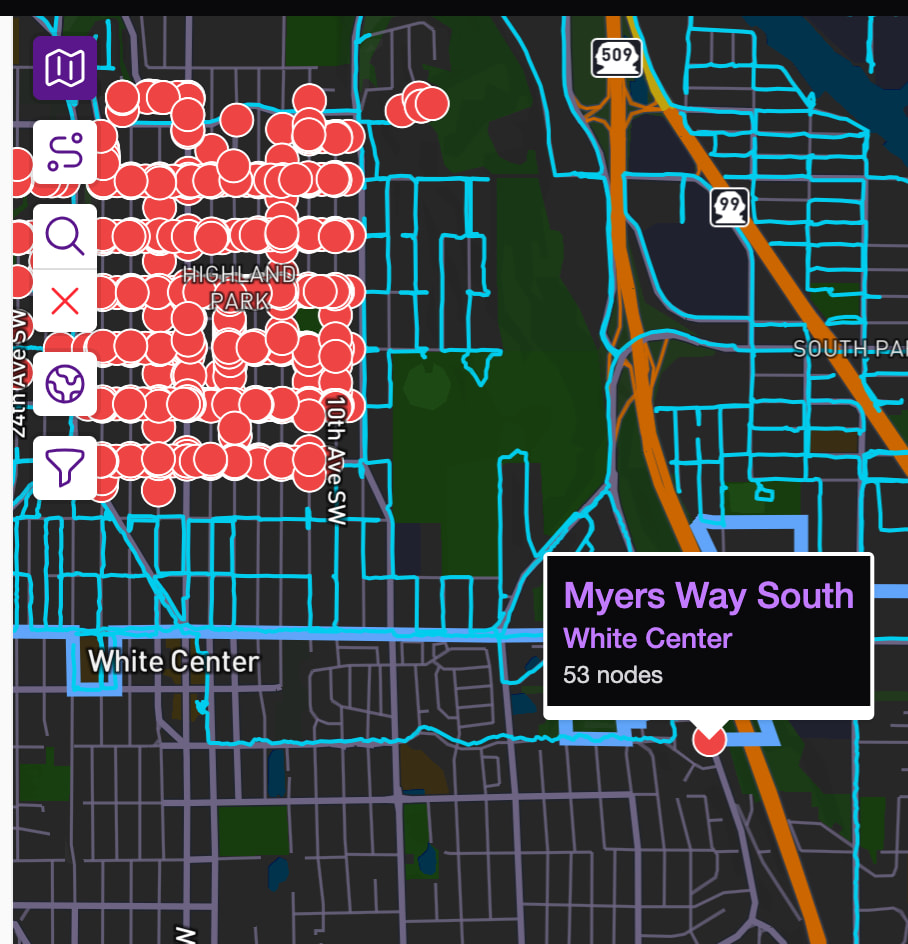
Yes, that looks weird!
Same with South 99th Street.
It’s a limitation in Node Hunter where if I discard nodes on the border, then it would also discard the nodes for the city you’re viewing. I decided to  it off and let it display nodes for other cities that are on the border.
Another somewhat similar issue is when nodes for streets in one city extend into another city. It’s way more apparent when the streets don’t share the same name. Like if White Center’s Myers Way South was named Myers Way Souther. 
This is frequently a case of nodes appearing to be on the border, but actually being just off it one way or the other (in this case, just off it on the side of Seattle).
Finding this is a bit tricky, but I’ll do my best to explain my process:
- Log into OpenStreetMap (it’s simpler to make sure you’re logged in there first)
- Visit the city page in CityStrides
- Open the menu and choose
View in OpenStreetMap - Search for the street name (I suspect doing this search on the city page in OSM helps the results be more accurate)
- Click one of the results; retry until you finally click the correct Way record

- Zoom as far in as possible on the node in question
- Click the
Editbutton in the top left - Zoom in even further on the node in question
- You’ll probably see that the node is just off the city border
- You can drag the node so it clicks onto the border
- Save your changes
This isn’t the case for South 99th Street & Myers Way South, but I had already written all this before realizing that it was the Node Hunter limitation. 
Thanks for the detailed answer. All just treat it as a limitation and ignore that node.