I’m hoping some clever bod here can help out with resolving an entirely homemade clanger of mine that had me walking the streets of London swearing and grumbling!
My wife was meeting someone from her family for a meal at the O2 Arena in London but wasn’t keen on the drive (120 mile round trip for us) so I volunteered knowing I could find something nice to eat and have a walk around a few streets on the Greenwich peninsular.
The issue was that after I’d set the missus off to her luncheon and I’d downed a lovely plate of jerk chicken from a small food stall I totally forgot to set my watch running to log my walk. I had a rough route plotted on my CS app and had a very pleasant time wandering the streets for a couple of hours in the sunshine. I’d got about 5 miles in before checking my watch and realising it wasn’t logging anything - cue the grumbling and cursing.
I only have a half mile or so logged on my watch but I do have the info on my Google Maps timeline. I’ve tried to get my small brain around the idea of exporting, converting, importing and suchlike but I’m struggling. I understand I have to get a GPX file into Garmin Connect which CS will then pick up but I can only see a CSV file of my timeline?
I did find an earlier post here of someone using Runkeeper to create the route but I got lost with that one as well.
Is there anyone who can provide a, hopefully simple, workaround to get this into CS?
If its not possible, its not the end of the world as these streets are miles away from my home city but it’d be nice if I could somehow get my efforts noted in CS!
Yep, if you have a Runkeeper account and synced with CityStrides, you can create an activity there (walk), and instead of importing an activityou can manually draw the route you walked but forgot to log, then finish by adding in some general info like start time, duration.
I’ve never tried that but I don’t see why not…just export the activity created in Runkeeper and upload it to Garmin. Alternatively, you can just connect your Runkeeper to the same CS account - you are not limited to only one service.
Morning - still struggling with this unfortunately.
I’ve created the route in Runkeeper and added some times to it and it appears to have saved fine as an activity. I then tried to export as a GPX to Garmin Connect which only shows as a ‘Course’ which I gather is a route I’ve prepared that I’ll run/walk at at later date - it doesn’t appear to be an actual activity I’ve completed? I guess thats the reason why CS doesn’t ‘see’ it?
Anyway, I’ve then tried the tactic of linking my new Runkeeper account to Citystrides which it appears to have done without issue from either side. But, the activity doesn’t show on CS…!
Does anyone see something else I should be doing/not doing aside from not forgetting to activate my watch next time!
Just spitballing, but there may be some delays with importing activities for a recently connected service. If you’re a supporter you can try a single activity sync of the activity from runkeeper? There are instructions for how to do so in the Settings page
A-ha! I think Kevin must have been right as I’ve just checked and the activity has indeed shown up in CS now! Yayy!
I think my new Runkeeper account was still chatting with my CS account before sharing the info; does CS note where the activity comes from? I couldn’t see that…?
I must say the Runkeeper route planner is nowhere as intuitive to use as the Route Builder on CS but it certainly was the answer in this case although I’ll probably stick with Garmin Connect for now.
Kevin - thanks for the replies; I’ve actually been a supporter for nearly four years now and still manage to trip myself up with things on here!
Henrik - thanks for the suggestion. I did try some other online converter but stuffed that up somehow!
At least I now know how to rescue myself from this in the future but I promise to never, ever forget to set my watch going before I wander off out. Never, ever….!
Glad you were able to achieve your objective! Yeah I don’t use Runkeeper for planning runs, just for fixing GPS errors or redrawing sections where GPS dropped out (or watch was inadvertantly not logging, as in your case).
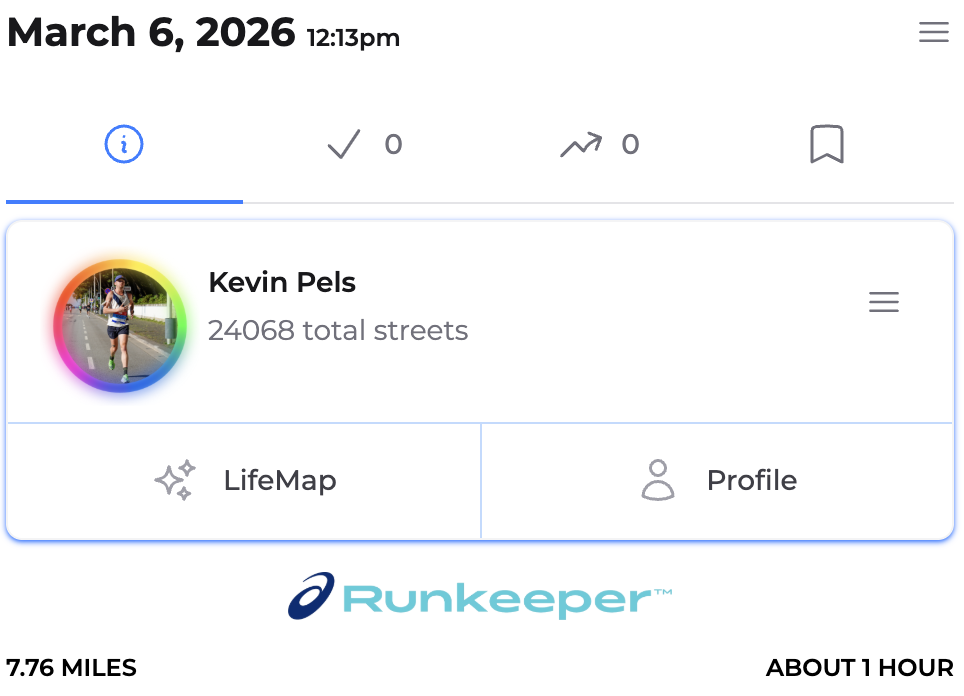
And yes, each activity page shows the source of the activity. See screenshot for my run from today:
 My profile link :https://citystrides.com/users/51134
 I think Kevin must have been right as I’ve just checked and the activity has indeed shown up in CS now! Yayy!