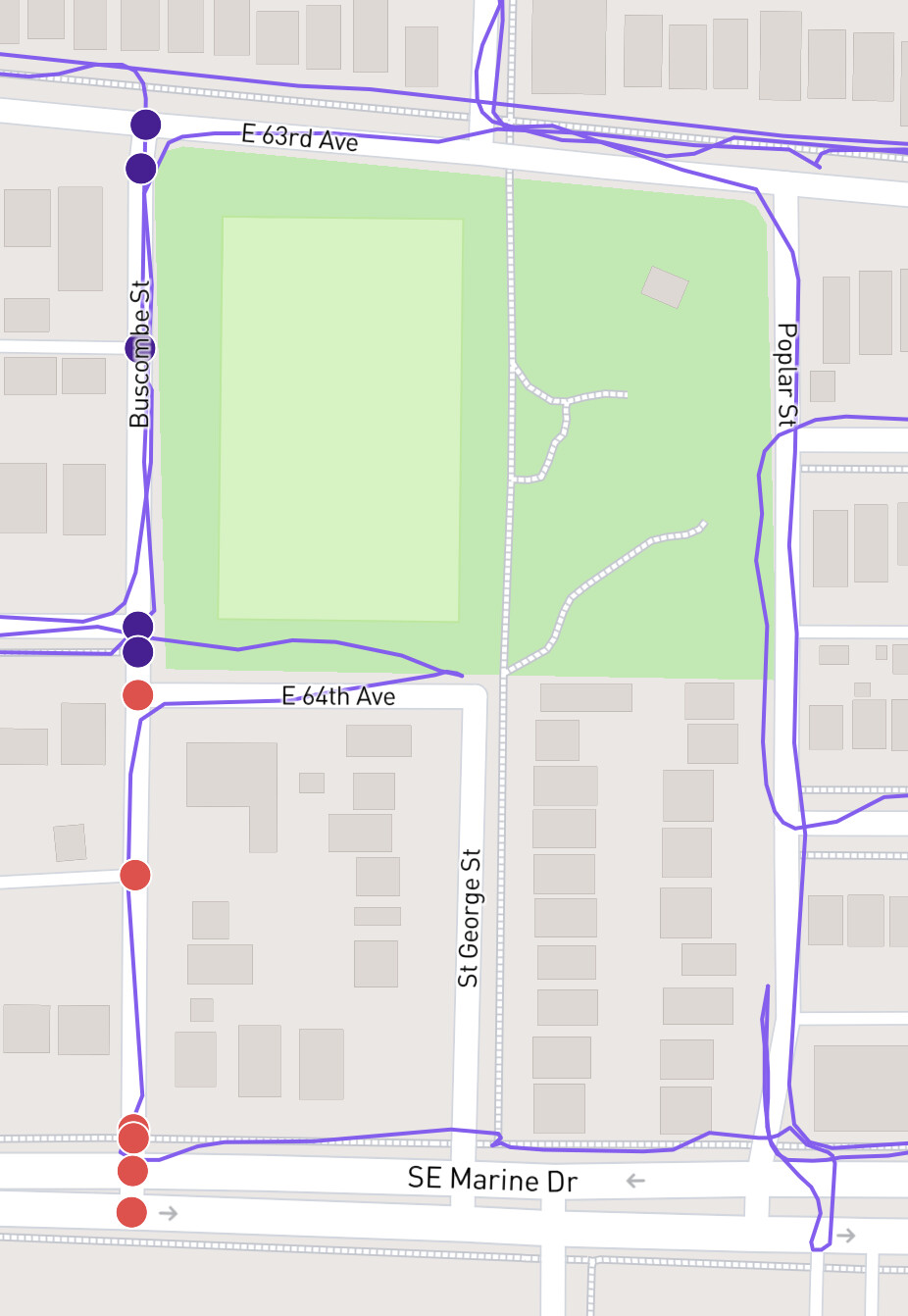
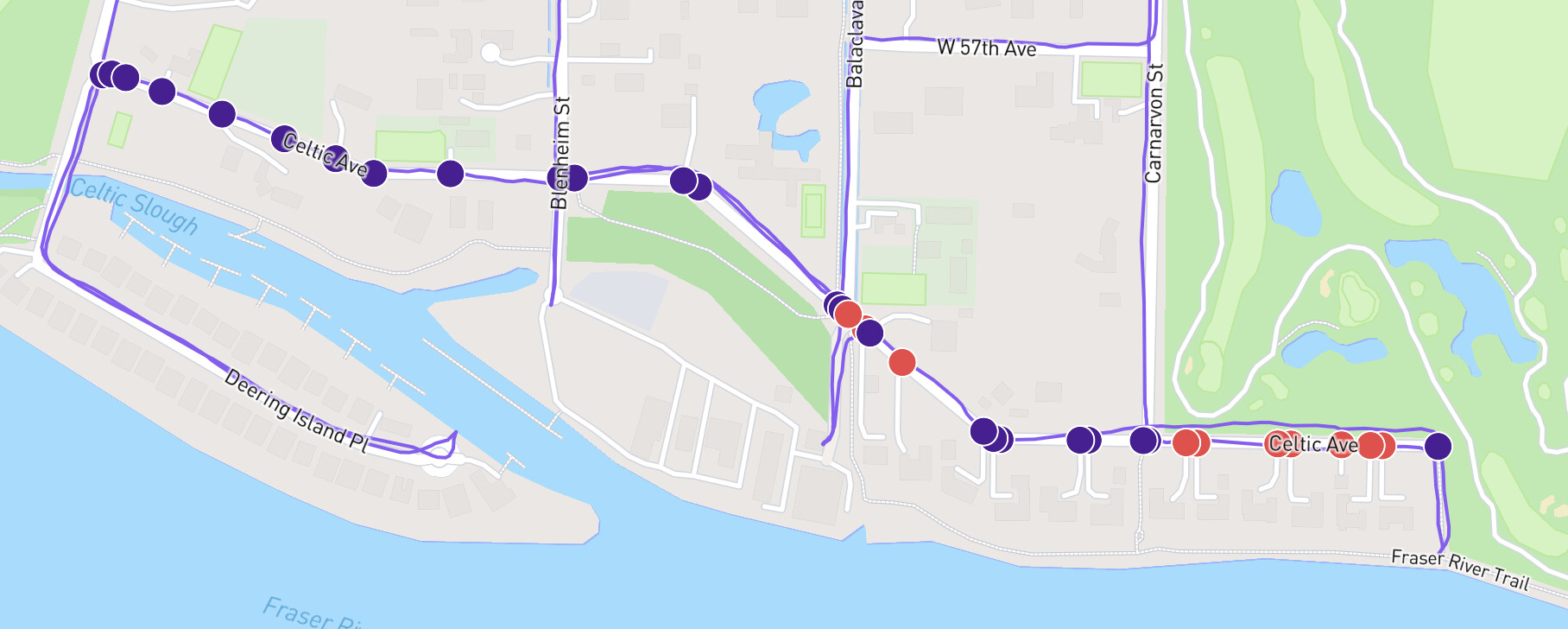
I’m not missing activities, but a few weeks ago everyone in Vancouver had their progress drop significantly, eg 100% => 97.92%. It doesn’t appear to be from new streets, like when there are openstreet updates. It’s just that existing streets I have run (like Buscombe or Celtic, pictured below) are not accurately showing completed status.
I’ll take a look at Vancouver, British Columbia - CityStrides sometime this week. The last update from OSM was on the 3rd, which would have used the updated sync code I’ve got. That’s been far more reliable, but it looks like I have to review the post processing.
You don’t have to do anything - I’ll be able to cleanly reprocess the data to get everyone’s stats back.
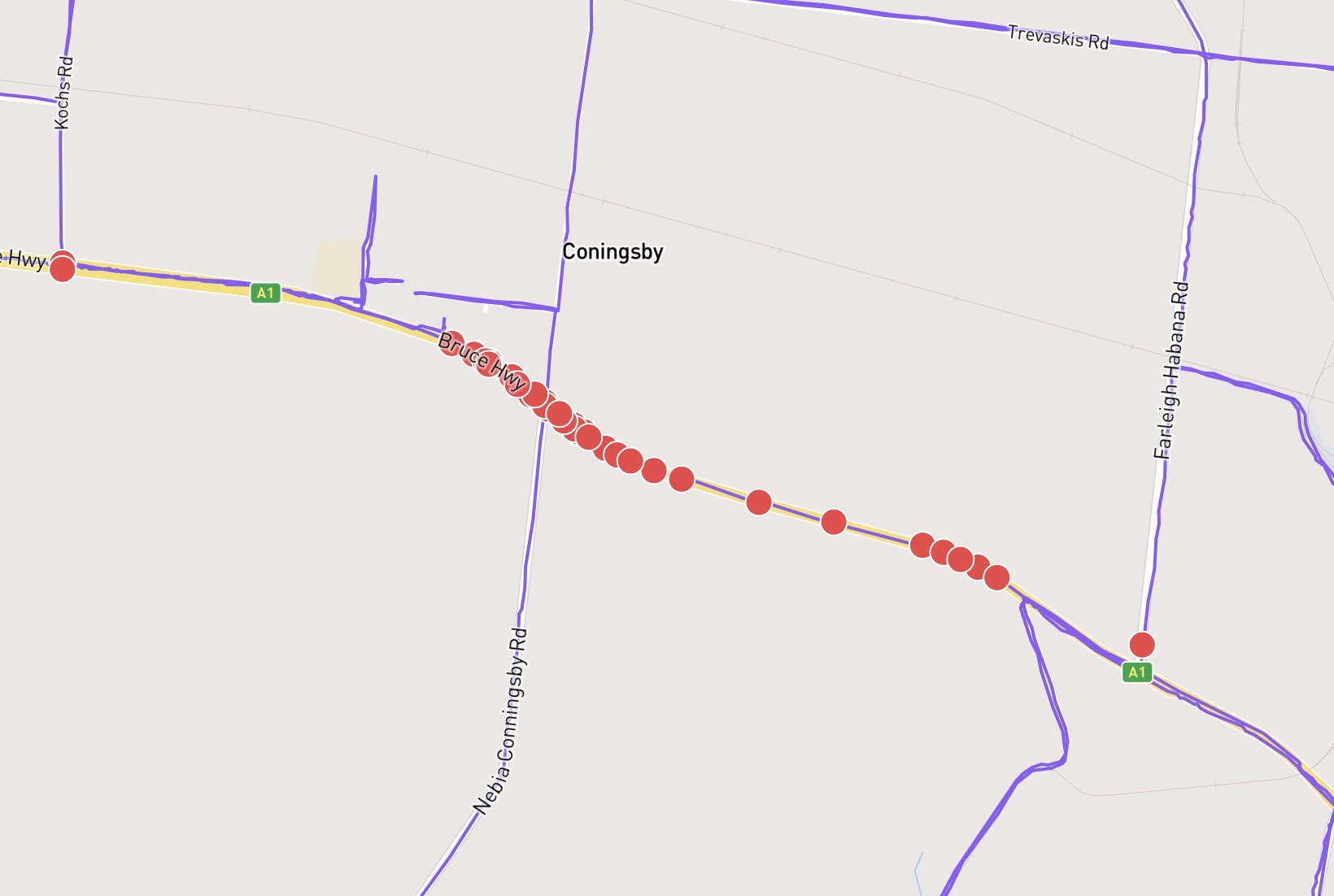
I’ve noticed this too in a recent update to Farleigh.
The Bruce Highway (trunk road) has been added. While I’m at it, can I express my objection to trunk roads now being included. Here in Australia, the city boundaries cover 100% of the country. This means a boundary could be hundreds of kms from the populated city, making it an unsafe feat to achieve 100% of your city. To me yellow and orange road should not have red nodes on them. Trunk roads with foot=no or foot=not specified should be excluded. I could live with foot=yes included.
Yeah, the issue was very particular … I misunderstood ST_GeoHash data, which resulted in a smallish number of activities being skipped for processing after nodes were created/updated.
Vancouver is now showing correctly. However, Burnaby is still missing some completed streets for me, albeit fewer than yesterday. My activity from August 1, 2021, doesn’t seem to have been processed correctly despite doing a manual sync.
Likewise, I still have a few streets and nodes in Long Beach, CA that are showing as incomplete even though my lifemap shows I walked those streets and nodes. Is this something that will fix automatically or do I need to do something to get it to fix?
This issue requires that I send activities in for reprocessing. I just did that for everyone in Long Beach. It’ll take a while (some hours?) to finish.
Looks like to me that this may be a general issue, and not limited to only specific cities. I have for example the same issue with some streets in Toulouse, France and Balma, France but they are the only two cities that I monitor actively.
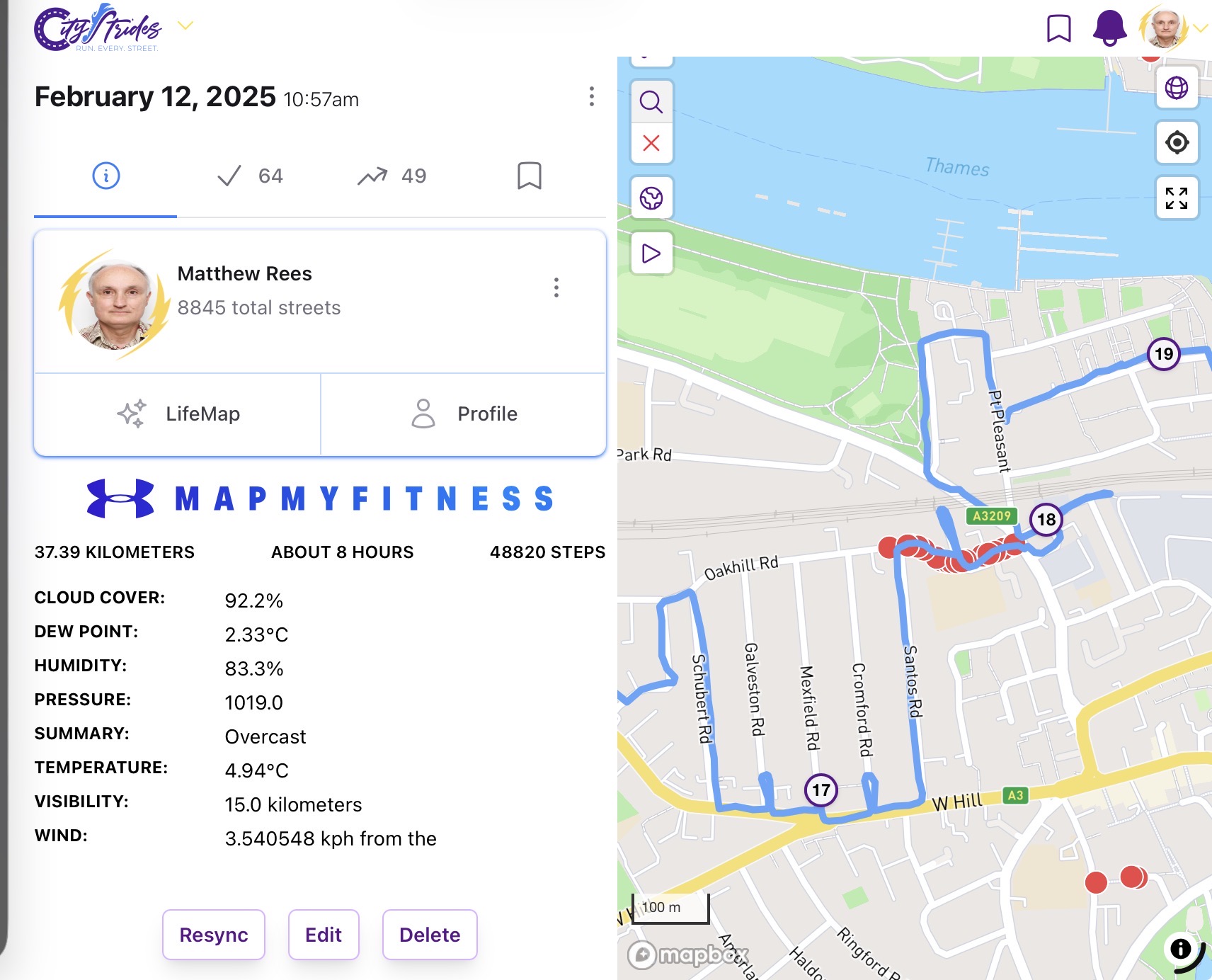
Not sure if this is the right place to report this but my issue is that my LifeMap is showing some red dots on roads that I have clearly walked. I would have checked the dots after completing the walk and there were none at that time.
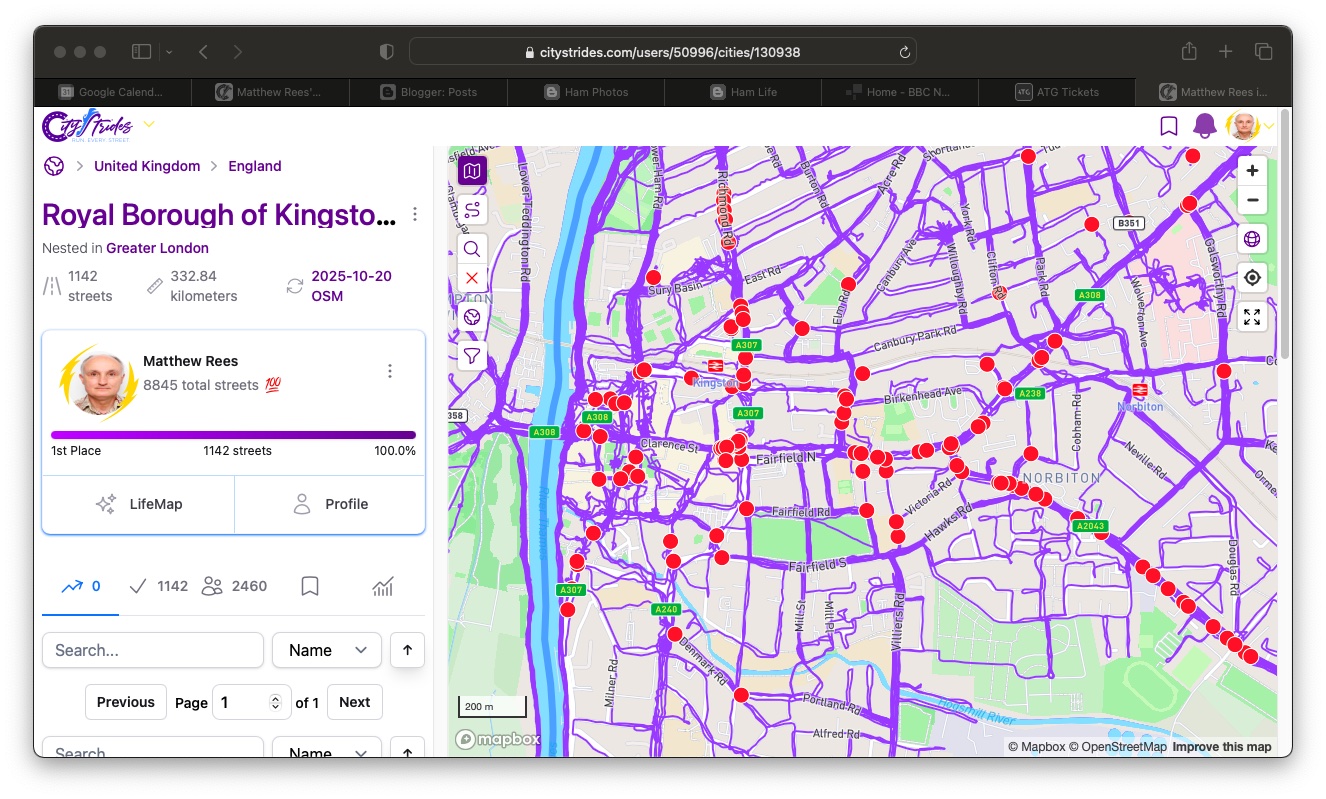
I just did a check on Royal Borough of Kingston upon Thames in Greater London (where I live) and while I am still showing as having completed 100% there are many red dots.
Oof, ok … Greater London started a sync yesterday & during a sync, stats can go weird. This is usually “fine” but since London is so huge, it’s much more visible because the sync takes many hours.
If you click on one of the nodes that Node Hunter displays, I’d expect that it’ll display that it’s in Greater London (and not e.g. Royal Borough of Kingston upon Thames).
Thanks for the prompt and informative reply. I just checked those areas again and all the spurious red dots have gone; I was just unlucky with my timing when I looked earlier.
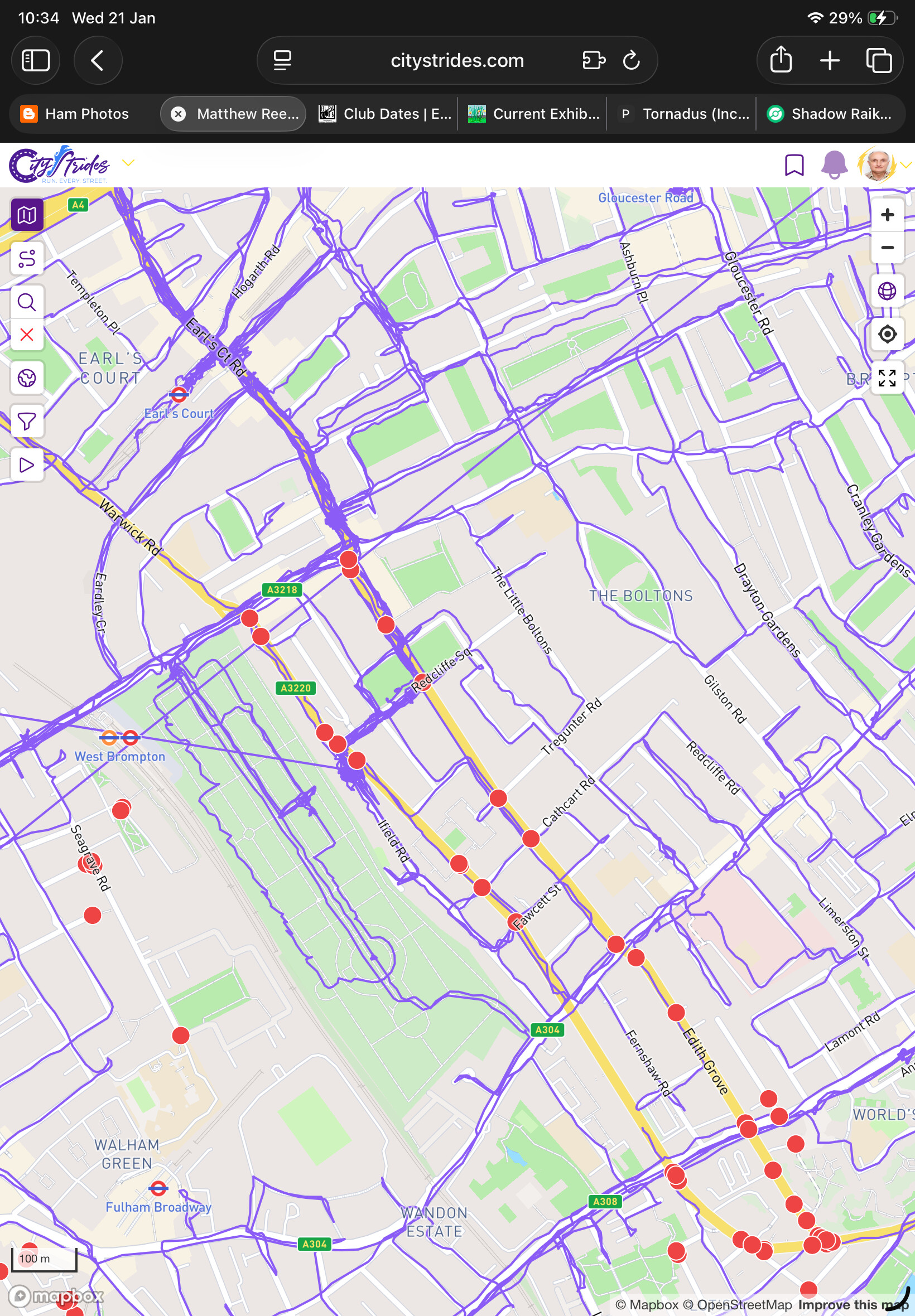
Just flagging this in case it’s an issue but I am assuming that the next sync will fix this. I have got more red dots on walked routes in Greater London.
 My profile link : David Hirtle - CityStrides