Planning (Route Builder) on CS is great, but I would like to get a Route created here on CS, over to Garmin. Garmin does support importing, but as far as I can tell, CS does not have a way to export a route.
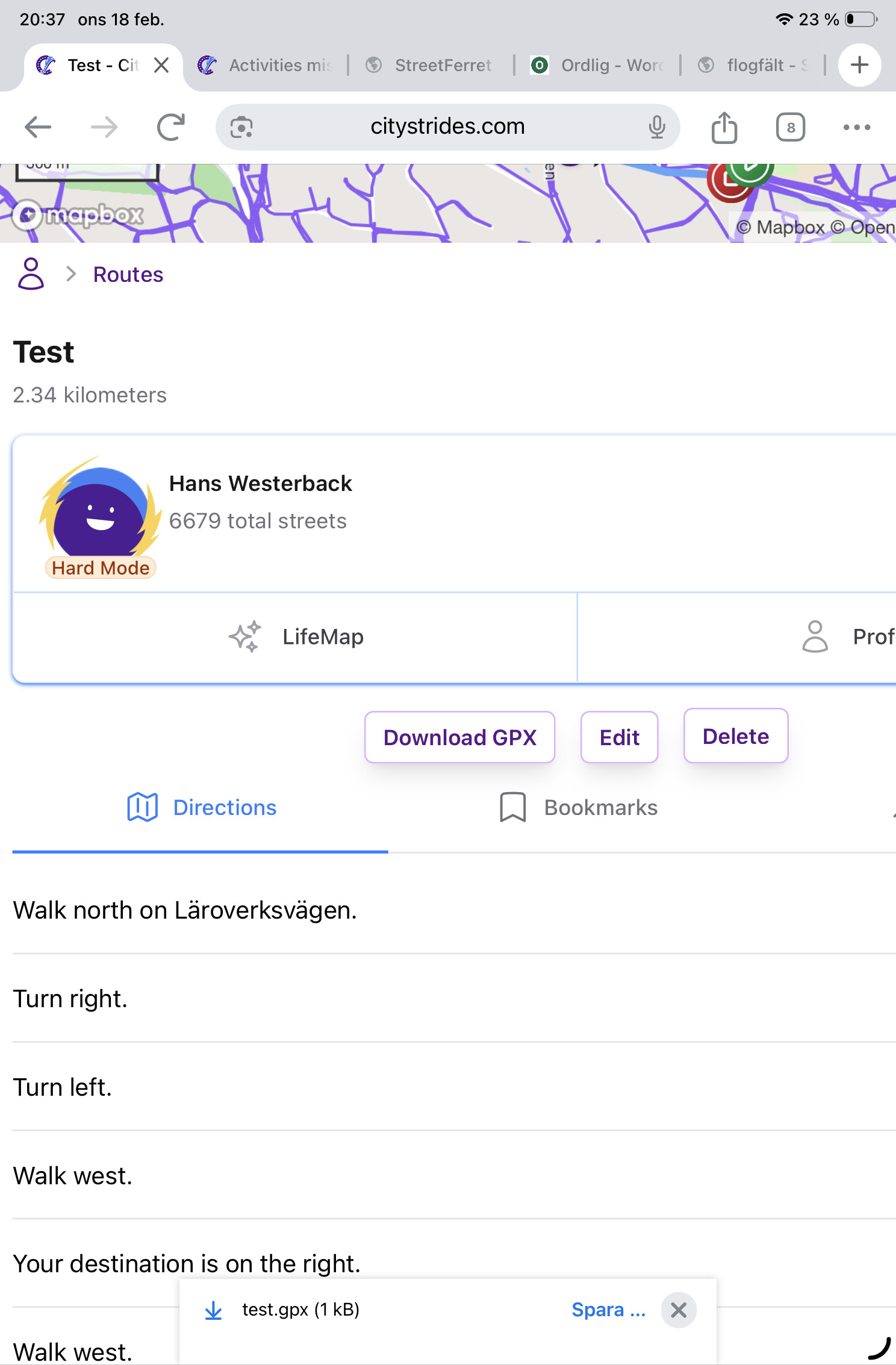
Not sure if I understand you correctly, but of course you can. When you create and save a route in CS, there is a button to Download GPX. Then you can import this file to Garmin
Let me know if you have any issue with the activity type after using the route in your Garmin device.
We’re having a tough time of it over in First Time Running With A Map - No Bueno - #6 by JamesChevalier where they’re tracking a run … it appears on the device as a run … but then when it gets to Garmin Connect it’s “other” (which is excluded from CityStrides). As far as I can tell from the conversation, this is only happening when they use a route. (@charles_eberhart maybe we’ll learn more from Eric’s experience)
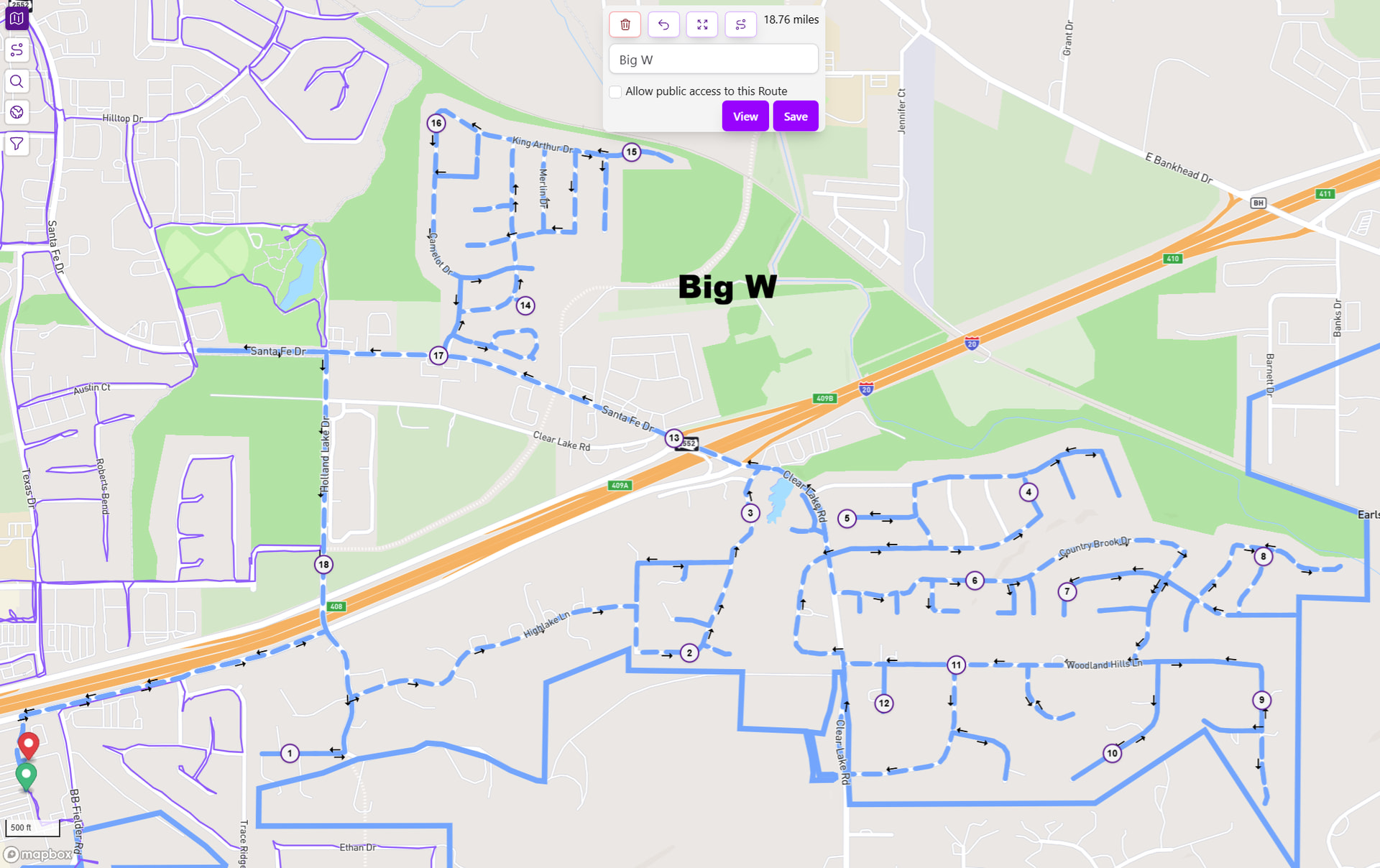
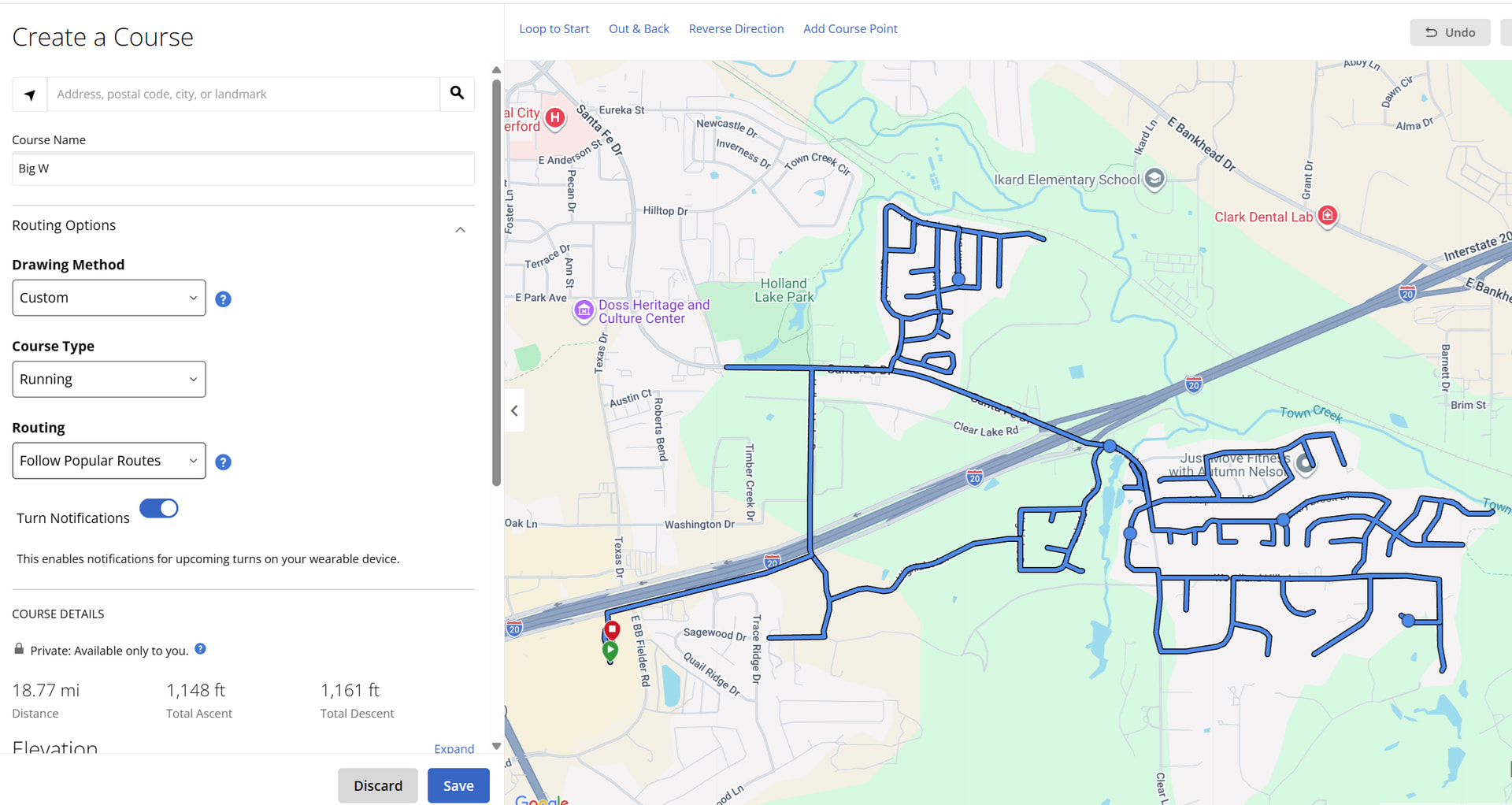
I do this all the time. Draw the route in CS, download as GPX, import the GPX on the courses page on Garmin Connect website, saved the course, download to your watch in Connect app. I sometimes still get “lost”
Do you ever have activity categorization issues, like @charles_eberhart has experienced? His activities appear as running on his device, but as “other” after syncing into Garmin Connect.
@JamesChevalier Just wanted to let you know my FR965 had no problem with the GPX file that CS created. In fact, it worked quite well.
On a side note, I’m quite impressed with Garmin’s navigation. A few times I strayed from the planned RouteBuilder route, because I forgot to add a few streets. I’m still getting used to the Garmin prompts too, as I did not always make the correct turn. But the whole concept worked quite well. Thank you
Also, thank you @hans1 for cluing me on the GPX download. Very cool!
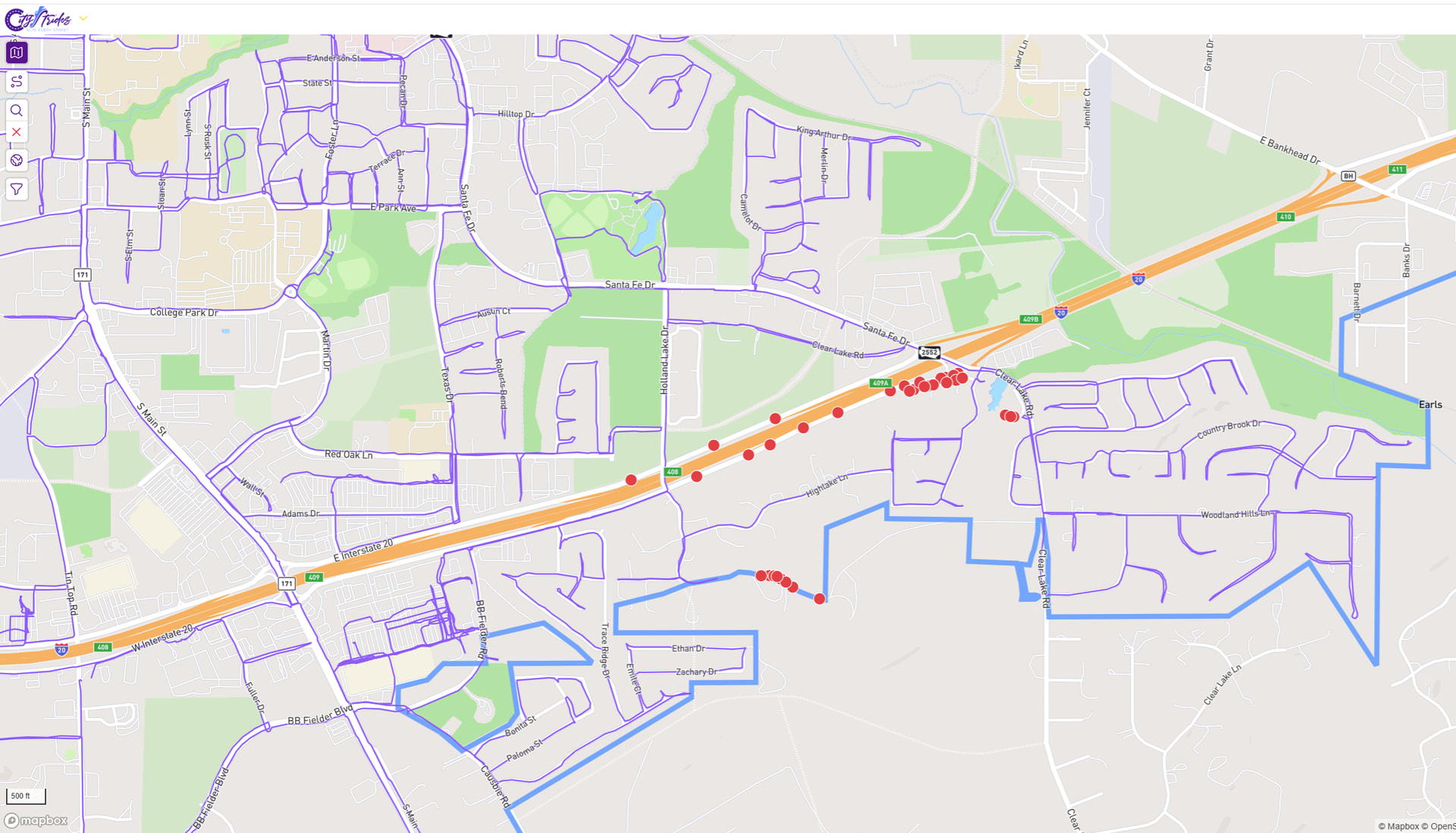
Just in case anyone wants to see my after LifeMap:
As I was finishing up the route, I realized I was close to marathon distance. I was only able to run the early portions of the route, but decided to keep on striding. You can see all my laps in the shopping center where I parked.
I learned a new feature with my watch, thanks to the community. Create the map and export it. Then, select Run on the Watch, not Navigation. When selecting Run, push up for Options, and select the Course. This tracks it as a run!!! Thanks so much everyone.
"Glad to assist you with a course on Garmin Connect. When you created the course, are there points inside the cul-de-sac? It would use these points for the routing, the best option on a course would be if coming up to a cul-de-sac (or any turn), place a point before the street, one after the turn, and for the cul-de-sac another one on the main route and this will ensure it does route through the cul-de-sac accurately. "
So now I need to figure out if CS is putting the points there (in the cul-de-sacs). As I said, the Route/Course looks correct, in map form, on both sites, so I can only assume there are points there. I will try manually points, next time I make a route.
Edit: Wouldn’t there have to be a point, at the end of the cul-de-sac, to make the u-turn?
Are you sure the route you drew on CS actually went exactly where you wanted to go? I have found, if am not careful, the CS router will take you on the shortest path from point to point which may not cover the street you want in full.

 My profile link :https://citystrides.com/users/14290