I think CityStrides “per activity” privacy mimicks Strava or Garmin’s privacy setting. But is there not a way to make my CityStrides default to private (avoid lifemap updates) while retaining public visibility in Strava?
Then I’d switch them on one-by-one in CityStrides, manually?
Yeah, “per activity” takes the privacy setting in your tracking service.
You will appear in all lists and leaderboards. Each activity will default to the privacy setting in your tracking service. You can change an activity’s privacy setting in CityStrides by editing it.
Let me know if I’m misunderstanding. It sounds like you want your activities to be public in Strava and private in CityStrides. You should be able to accomplish this in Privacy Settings by setting yourself to “Just Me”.
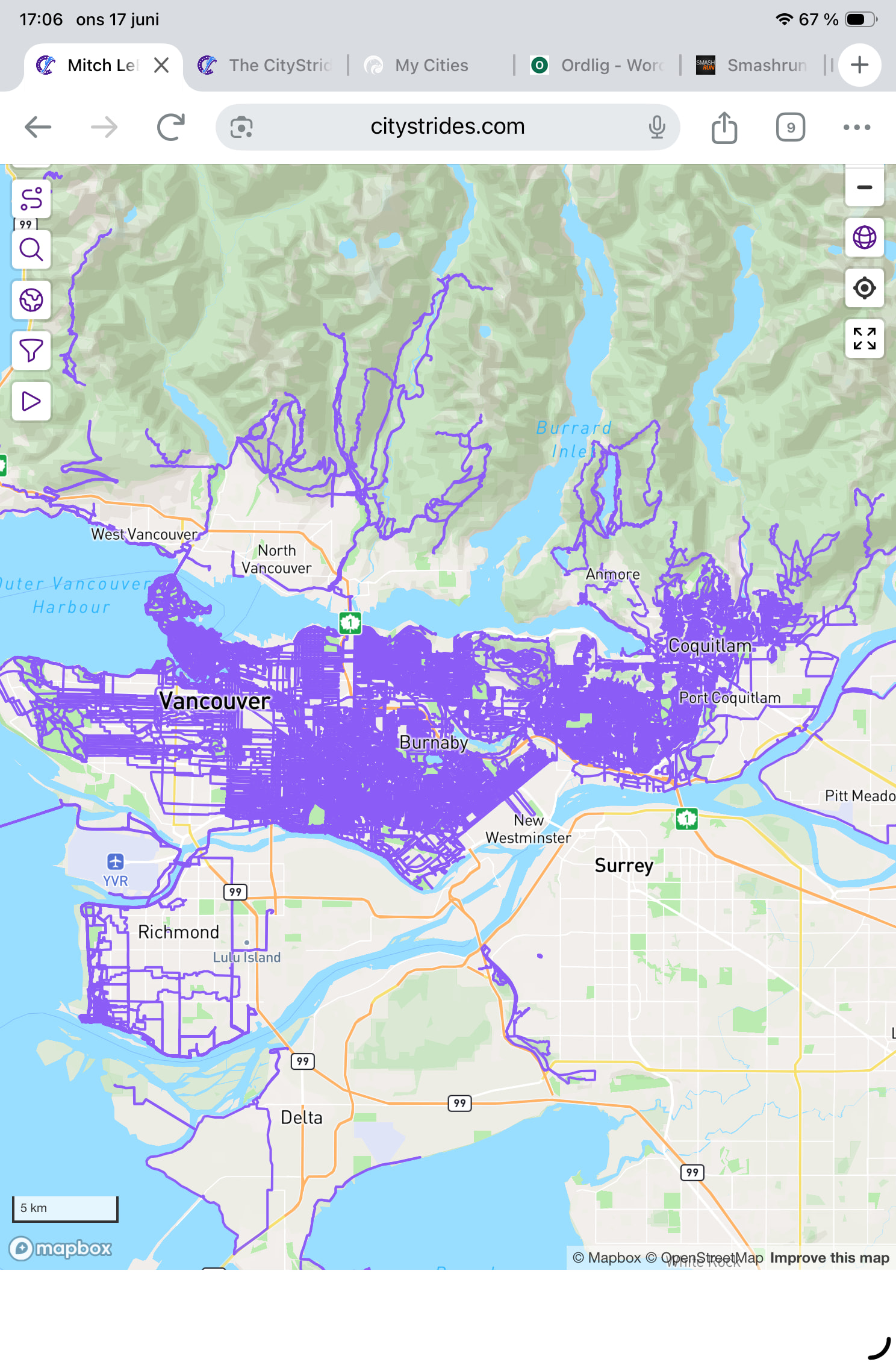
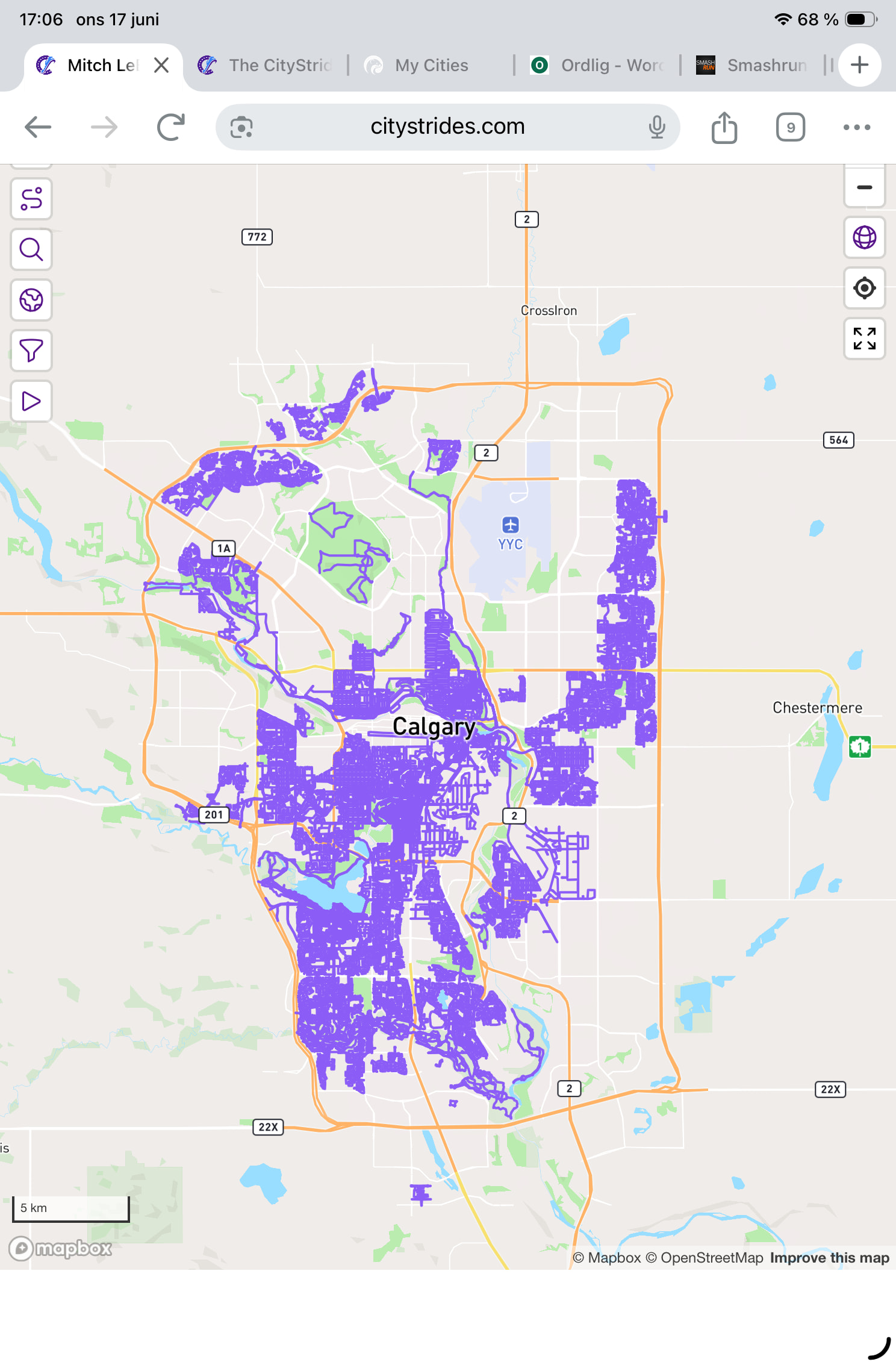
I do not want my life map private. I just don’t want my 4 daily dog walks or quick jogs around my house showing up on my life map. So I want my CityStrides to have a per activity default to private, but then I’ll switch them “on” one by one, if they are real or new runs I want to appear on my lifemap. (All while leaving my Strava entirely public.)
This would be a nice feature for me. The group I’m often with doesn’t explore, just runs the same few variations every single weekend. I only get to do new streets when I’m by myself.
Variation: an option to only show an activity on the life-map if it caused a new node to be completed and/or a new street to be completed? There would still be some thicker lines but not nearly as unreadable.
Unfortunately I’d like to map many of my hikes or activities (I do a lot of alley mapping) that have no nodes. Or cities that aren’t in CityStrides yet. So I wouldn’t want it to be automated. But simply a checkbox for each activity that would say “add to lifemap”, which is turned off by default, would work perfectly.
This topic could probably better named: “Option to exclude activity from Lifemap” or something.
Sounds like it could be both… what I suggested wouldn’t cause your hikes to be added since they wouldn’t cause any streets/nodes to be completed and you could still turn the desired efforts on manually, if James was willing to provide both options. I could live with what you suggested for going forward, but man it would take a while to go backwards and clean up the thousands of existing entries down to non-repeats vs if James could set them all private and then just include the ones that cause progress, where possible, just leaving us a bit of manual work.
Clarification: users would have the option to pick one/both, not be forced into both, so if you didn’t want a dog walk in a new area to automatically add to your lifemap even if it did complete something new, you wouldn’t be forced into it. I only covered your no-progress scenario above.
I haven’t thought about this, because it touches so much code - basically got scared and ran away. I reviewed things again, and I’d need to add two additional settings which would bring the privacy selection up to:
Public
Private
Per activity (default: tracker settings)
Per activity (default: private)
Per activity (default: public)
That feels like a lot of options to decide between.
Coros, Garmin, Polar, and Suunto don’t share privacy info through their API. For those services, the setting is currently “Per activity (default: private)”.
MapMyFitness, Runkeeper, and Strava send privacy info. For those services, the setting is currently “Per activity (default: tracker settings)”.
I think you can already do this.
There isn’t anything blocking people from editing activities. If your account is set to fully public, you can still edit activities to change them to private. I did just have to update some code to queue up a LifeMap rebuild if it does change. I haven’t released that yet, because I’m waiting on a seriously slow job to finish.
All of the privacy decisions revolve around the activity itself, not the account. The account privacy is just used as activities sync in, to determine how the activity should be set.
The LifeMap update code is released now, so you can see if this has been possible all along.
Interesting. I always assumed that CityStrides had access to my private Garmin activities. So if I set all my activities by default to “Only me” (Garmin or Strava) and then make them visible to “Followers” on a case-by-case basis, you’re saying only the latter activities will be draw on my lifemap?
It does. Garmin doesn’t tell me whether activities are public or private in Garmin Connect.
Just in case, I’m only and specifically talking about CityStrides settings for activities already present in CityStrides. The options are Everyone, Just Me, and Per Activity.
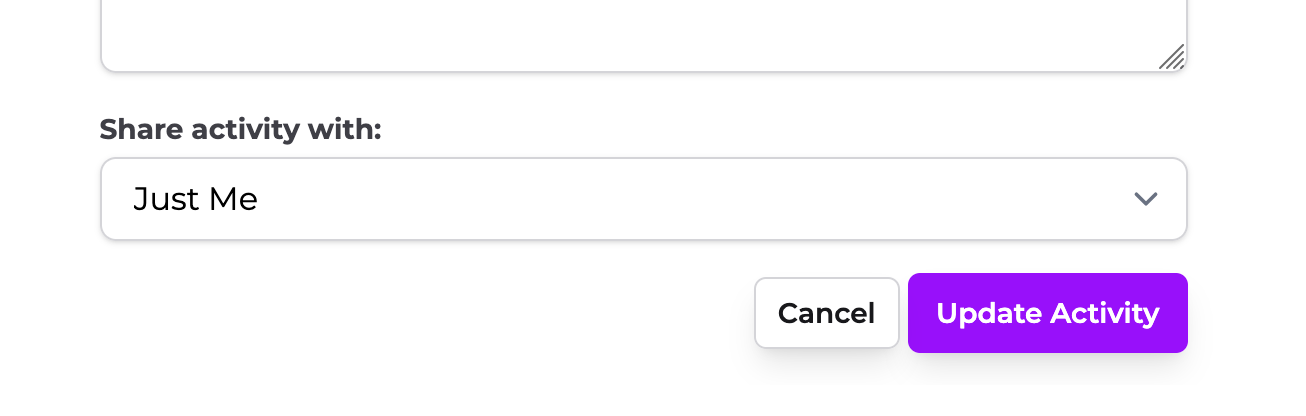
Regardless of what your account is set to (e.g. Everyone), if you edit an activity to change its “Share activity with:” value to “Just Me” then it will not be included in your public LifeMap.
Similarly, if your account is set to “Just Me” and you edit an activity to “Everyone” then it will be added to your LifeMap.
If you’ve added friends in CityStrides, then they will be able to navigate to these specific (non-Strava) activities and still see them on your LifeMap.
The friend feature is somewhat heavy-handed in that accepting a friend request makes your account fully public to them. I’m trying to convey on the Friend Requests page:
Accepting friend requests will make your data visible to that person. Do not accept friend requests with people you do not know or want to hide your information from.
I’m hoping that’s clear enough phrasing (though I am going to change “requests with people” to “requests from people”).
…let me know if this helps or just causes more confusion
(oh and I’ll also note that I’m still waiting on this background job, so I haven’t been able to release the code that will rebuild your LifeMap after editing activities)
But this activity was already rendered on my Lifemap (all do, by default). I suspect this is just a UI bug, and the actual current (default) value is “Everyone”?
You’ve got 712 activities set to “Just Me” and 3176 set to “Everyone”
Your account is set to “Per Activity”
The activity you linked is “Just Me”
Everyone has two LifeMap datasets - one that’s used for ourselves/friends, and one that’s used for everyone else.
Based on the two LifeMap sets, this might not be accomplishing what you want … If you’re looking to hide things for yourself that’s not possible & wouldn’t be achieved through any privacy settings.
The code that will update your LifeMap after editing an activity is released now, so this should be testable now. You’d have to verify your changes through a private browser window, since privacy level doesn’t affect our view of our own data.
This existence of an “incognito map” was totally unknown to me. That’s interesting. I’m curious about the design decision there. Technically yes, this could do what I want; only friends would readily be able to identify my home, by seeing tons of pointless walks and repeats. Other striders, e.g. you, are only seeing my “icognito map”? Half the city is also missing I’m noticing. Clearly I switched my settings at some point and didn’t realize that.
I feel your privacy settings are complicated lol.
Edit: I have an idea “Friends-only | Private” activities are mapped on my lifemap in a different colour than “Everyone” ones.
We all have two versions of our LifeMap: 1 shown to ourselves (and friends) that displays everything because we don’t need to hide anything from ourselves and 1 shown to everyone else because some people might want to be fully private or have some private activities
There isn’t really an “incognito map” it’s just what you’ve decided to show others. Dropping into an incognito window is the easiest way to quickly see your account as others see it.
That would be the ~700 activities set to “Just Me” that I mentioned earlier
Yeah, a big reason I’m wary of adding to the list of options.
It does seem like there’s some baseline confusion around the fact that the privacy settings are deciding what other people see, not what you see.