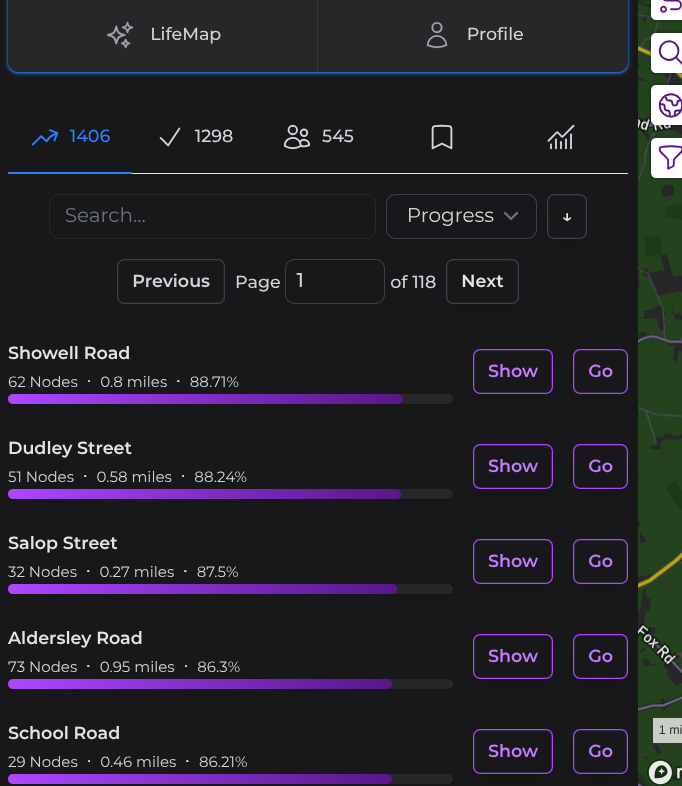
Can we add a one-click menu option to “show nodes near me”
Currently, I need to click Life Map. Then click icon to show my location, then watch the map pan over to find nodes, then click the node finder. With my fat fingers I sometimes miss the icon … Also I sometimes need to redo these steps if I did other things on my phone before coming back to City strides. Doing it all in one option would be great.
My goal is “make sure I focus on places I haven’t been before.” A typical case would be stepping out of a hotel in a city I’ve been to before. I want to quickly see nearby streets I have not covered.
Your post made me think of an additional enhancement request: “use a different color to highlight nodes where all nodes to complete a street are currently visible” Cities like Chicago continue the street names across the city whether or not they are contiguous. A street with three nodes nearby may have another node 5 miles away. It would also be nice to quickly see what streets nearby are easily completable without needing to drill down to individual streets.
That is available now to members and its called node hunter, one click on screen shows all the ‘uncollected’ nodes. Supporter Features - CityStrides $5 a month I think is amazing value for money for this feature and others
ETA I still dont think this answers your question but it how I search, although often on a laptop before heading out to plan a route and then on phone while im am exploring
Yes, these would be considered enhancements to node finder. The “all in one” would be primarily used when out. (I typically make a plan, but then change things on the fly)
Color coding would be a huge help on maximizing streets, especially in an area I will only be at for a short time. Then I could quickly do items that can be completed locally.
Is the intro for supporters you describe not covered by this page? Just checked the email from when I subscribed just under a year ago and it did highlight the main ones / link to it.