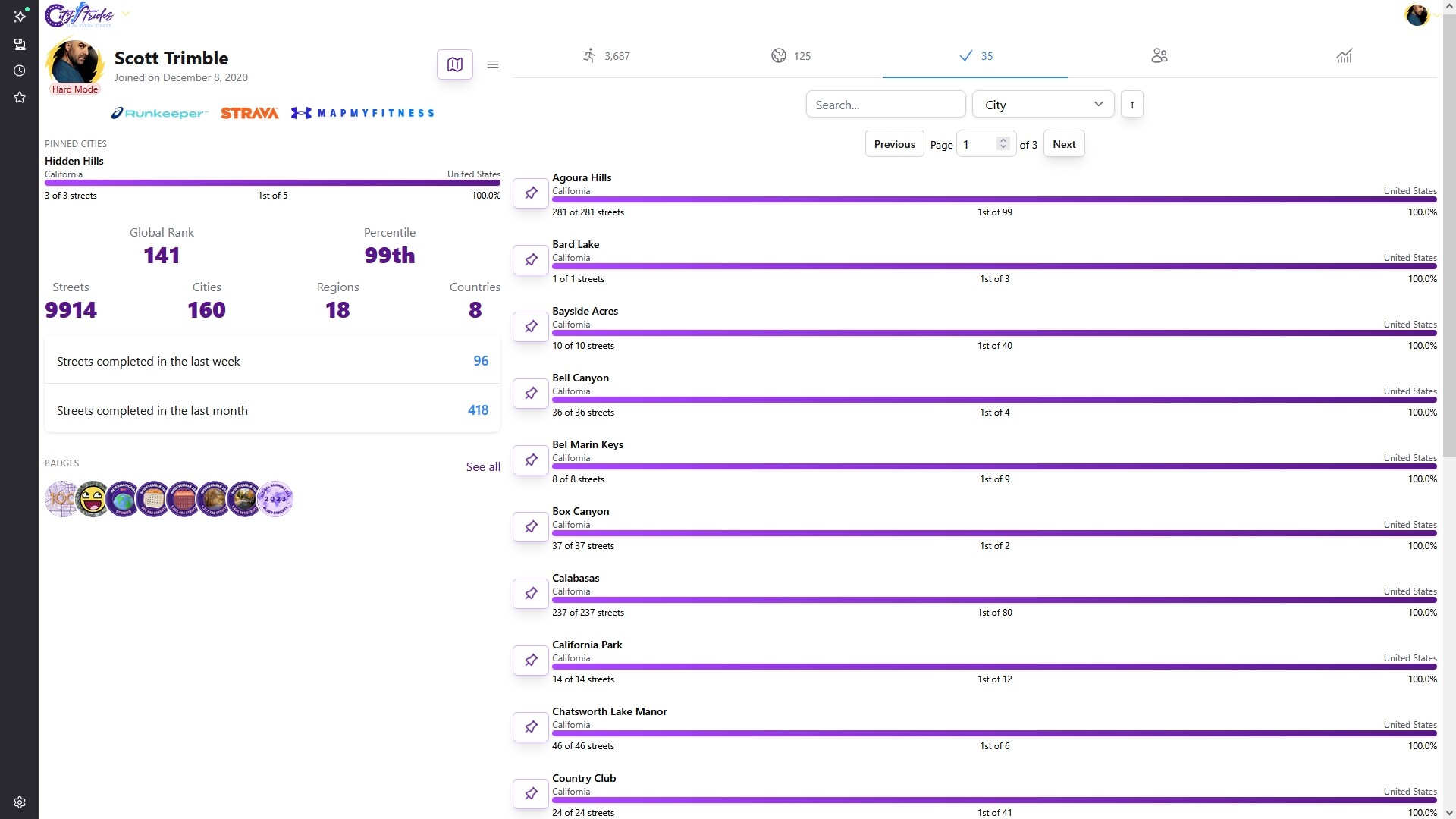
The list of completed cities sorts either alphabetically or by the number of streets in that city. I would love to also have the ability to sort by the date completed (and, even better, to have it actually display that date too).
Since the notifications go away eventually, I have no record of exactly when I might have completed certain cities, and it’s also interesting to be able to pull up which cities I completed in any given year.
Amazing ! My home city has a similar number and im about 45% done but its getting slower now as I have to travel to new streets and then walk them Weather is also a factor atm, its very wet and have rained every day in UK this year
Yeah, I can look into this. This date isn’t currently stored, so it’ll be an amount of work to get it populated, but it is possible.
Have you had notifications get deleted without deleting them yourself? I see that notifications will be deleted if I delete/recreate a city, but that’s rare.
Yes. I recently started thinking that I’d try to save certain notifications in that list, but then I noticed they’d still disappear eventually. Small annoyance, no big deal in the grand scheme of things.
I’ve also noticed that sometimes my account will sync before I actually tell it to. For example, sometimes on a run, the GPS will jump around wildly due to tall buildings… so I hold off on syncing until I can edit those points in Runkeeper – but sometimes CityStrides syncs on its own before I can do that edit. Again, not a huge deal, but it just means that I need to delete the run from CityStrides, edit the run in Runkeeper, then come back and specifically sync that one activity.
Since Runkeeper doesn’t have any alerting mechanism, those accounts are synced daily on a schedule. It runs every 5 minutes, using whatever the current time is as the group of users to sync, so it can spread all the syncing out evenly across the full 24hr day. Non-Supporters don’t have ‘sync now’ access, so they have to wait for this daily sync whenever it happens to be for their account.


 Have you had notifications get deleted without deleting them yourself? I see that notifications will be deleted if I delete/recreate a city, but that’s rare.